How to filter audit logs by event definition updated in Mixpanel
Here is how to filter audit logs by event definition updated in mixpanel
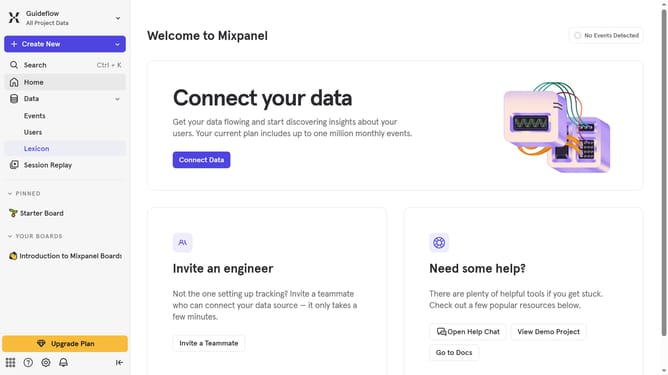
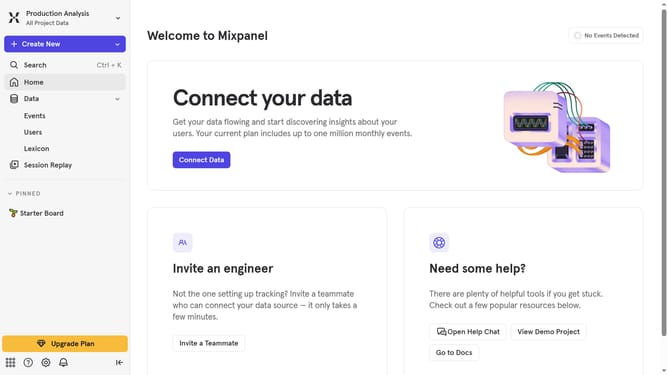
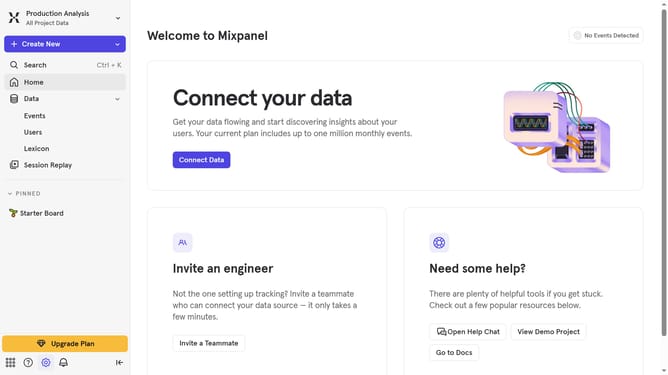
- First click on the Settings icon in the left sidebar
- Then hover your mouse cursor over the "Settings" option from the dropdown menu
- Next, click on "Organization Settings" to proceed
- After that, click on "Audit Log" in the left sidebar menu
- Then click on the "Action" dropdown menu
- Next, scroll down in the dropdown menu
- Finally, select the checkbox next to "Event Definition Updated"
Why should you filter audit logs by event definition updated in Mixpanel
Mixpanel is a powerful analytics platform designed to help businesses understand user interactions with their products.
Among its many features, the ability to filter audit logs by event definition updated offers users a streamlined way to track changes and updates with precision.
This feature ensures clarity and accountability, allowing teams to easily monitor what alterations have been made and when. The benefits include increased transparency and the ability to quickly audit the evolution of event definitions without hassle.
Utilizing this feature can greatly enhance the security and accuracy of data management processes.
Last update