How to connect Pushwoosh in Mixpanel
Here is how to connect pushwoosh in mixpanel
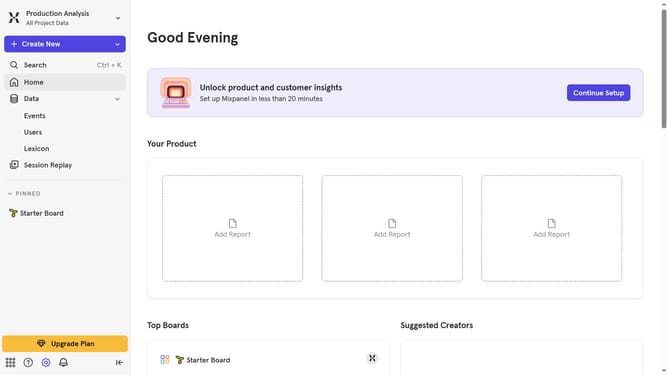
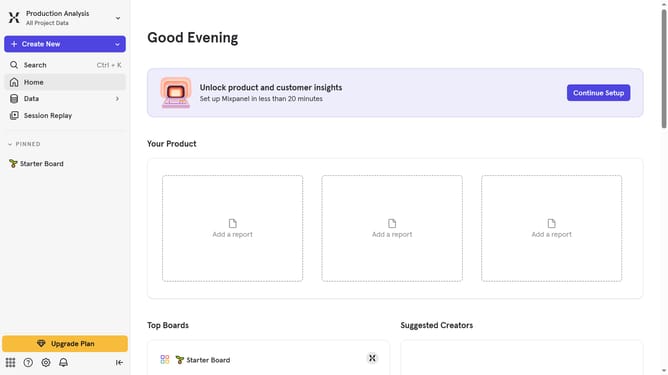
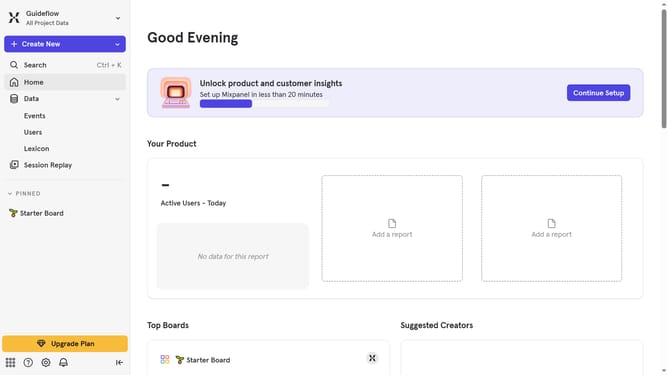
- First click on the settings icon in the bottom left sidebar
- Then click on "Integrations" in the left sidebar
- Next scroll down to view more options
- Then click on the "Pushwoosh" integration
- Next click on the "Connect" button
- Then click on the "CONNECTOR NAME" input field and type in your desired connector name
- Next click on the "API KEY" input field and type in the "API" key
- Then click on the "PW-APP-CODE" input field and type in the PW-APP-CODE
- Finally click on the "Continue" button
Why should you connect Pushwoosh in Mixpanel
Mixpanel is a powerful analytics platform designed to help your business understand user engagement and behavior.
By connecting Pushwoosh with Mixpanel, you gain the ability to streamline your communication campaigns and track real-time interactions seamlessly. This integration enables businesses to personalize their messaging and enhance user engagement with targeted notifications.
Utilizing this feature provides valuable insights into customer behavior patterns, which in turn helps refine marketing strategies and improve overall user satisfaction.
Last update