How to invite a user for the owner role in Mixpanel
Here is how to invite a user for the owner role in mixpanel
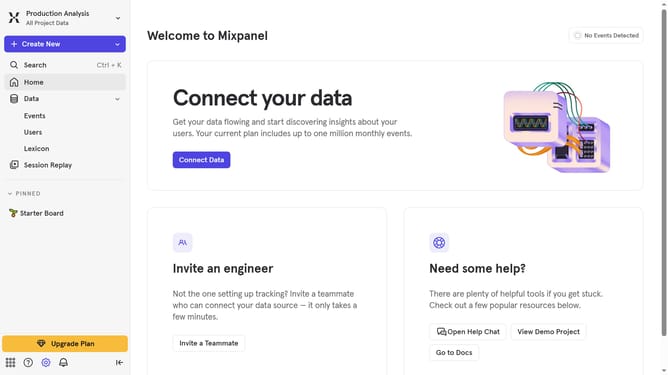
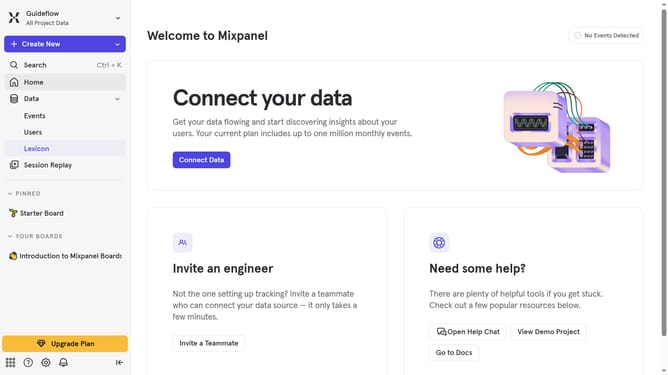
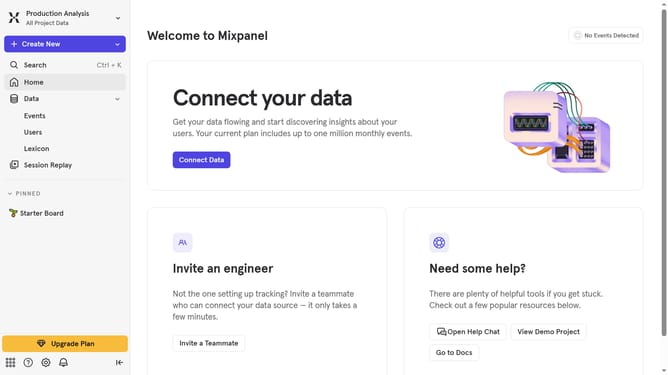
- First click on the settings icon in the bottom left sidebar
- Then hover your mouse cursor over the "Settings" option
- Next click on "Project Settings"
- Then click on "Project Users"
- After that click on the "+ Invite Users" button
- Then click on the dropdown arrow to invite a user
- Then click on the text input field and type in the email of the person you want to invite as an admin
- Then click the user from the dropdown menu
- Then click on the "Analyst" dropdown under "Role"
- Next select "Owner" from the role options
- Finally click on the "Invite" button
Why should you invite a user for the owner role in Mixpanel
Mixpanel is a powerful analytics platform that helps businesses understand user behavior and optimize their products effectively.
Inviting a user for the owner role in Mixpanel is a strategic move that empowers your team with greater control and responsibility. This role grants comprehensive access to settings, billing, and administrative controls, streamlining project oversight.
By elevating someone to the owner role, you ensure seamless collaboration and faster decision-making, crucial for rapidly advancing projects and implementing data-driven strategies.
Last update