How to show 30 day queries column in custom profile properties in Mixpanel
Here is how to show 30 day queries column in custom profile properties in mixpanel
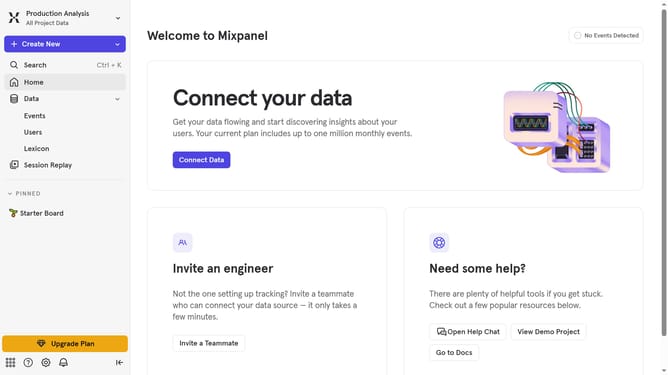
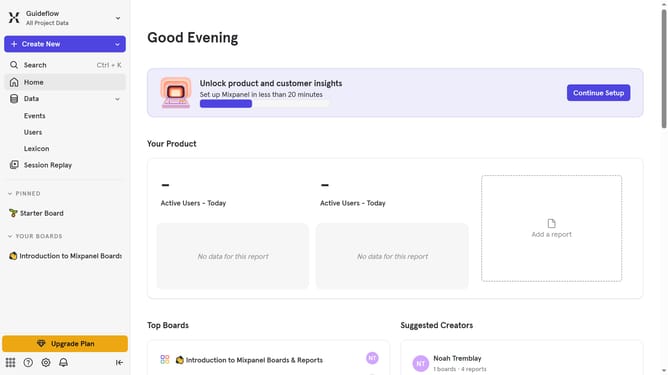
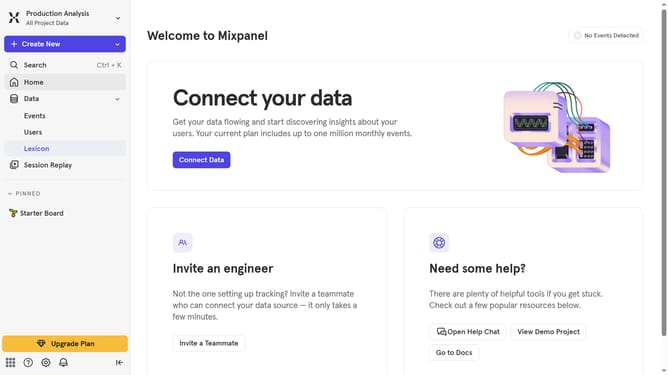
- First click on "Lexicon" button in the sidebar
- Then click on "Custom Profile Properties" button in the sidebar
- Next click on "Edit Columns" button
- Finally select "30 day queries" checkbox
Why should you show 30 day queries column in custom profile properties in Mixpanel
Mixpanel is a leader in advanced analytics, designed to help companies understand their users' behavior.
The ability to show a 30-day queries column in custom profile properties enhances the depth of insights you can achieve with Mixpanel. This feature allows you to quickly assess user engagement and behavior patterns over the past month, directly within user profiles.
By leveraging this attribute, you better understand user retention, which is crucial for optimizing user experience and tailoring marketing strategies more effectively.
Ultimately, including 30-day queries in your profile analysis provides a clearer picture of how users interact with your product, facilitating informed decision-making to drive growth.
Last update