How to disconnect Pushwoosh in Mixpanel
Here is how to disconnect pushwoosh in mixpanel
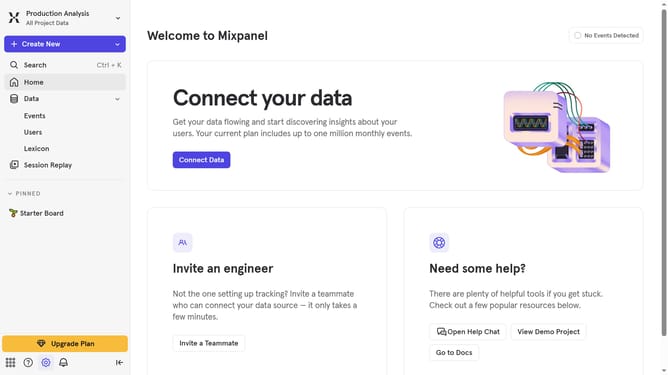
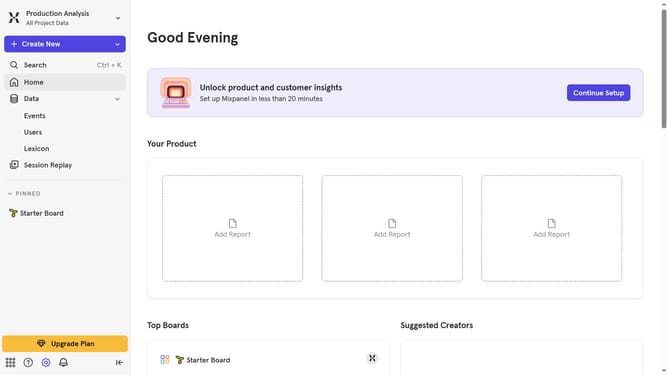
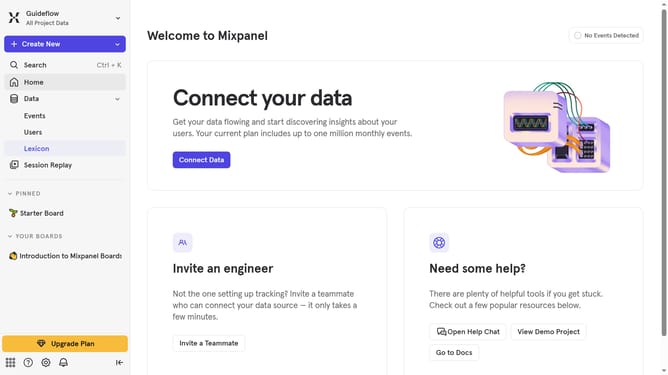
- First click on the "Settings" icon in the bottom left sidebar
- Then click on "Integrations" in the left sidebar menu
- Next scroll down to view more options
- Then click on the "Pushwoosh" integration
- After that click on the "Disconnect" button
- Finally click on the "Disconnect" button in the confirmation dialog
Why should you disconnect Pushwoosh in Mixpanel
Mixpanel is a powerful tool designed to drive product innovation through comprehensive data analysis.
Sometimes, you might need to disconnect Pushwoosh from Mixpanel to streamline your data flow. This feature helps in maintaining a prioritized focus on the most relevant data metrics that drive your business forward.
By managing connections carefully, you enhance data accuracy and optimize your workflow, ensuring that decision-making is always backed by reliable insights.
Ultimately, it leads to enhanced productivity and more effective product strategies.
Last update