How to disconnect Interable in Mixpanel
Here is how to disconnect interable in mixpanel
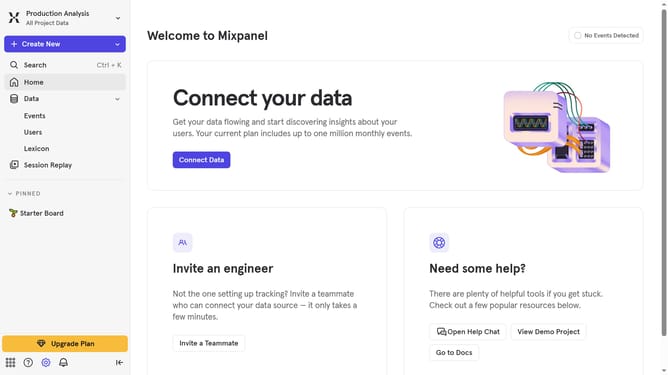
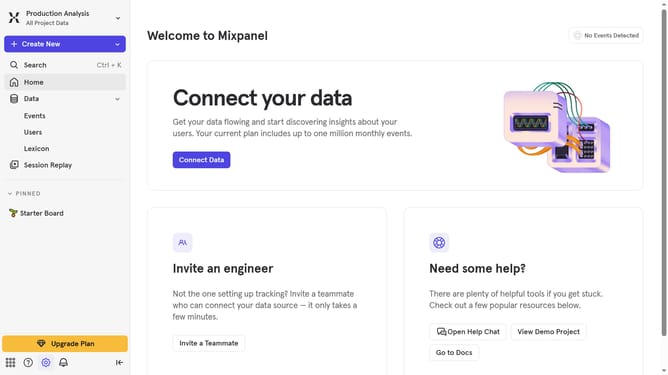
- First click on the "Settings" icon in the bottom left sidebar
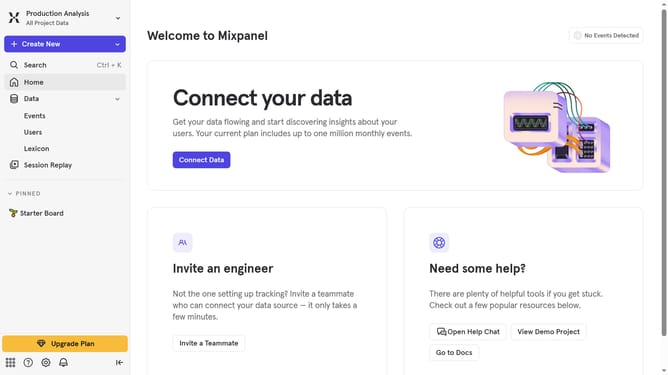
- Then click on "Integrations" in the left sidebar menu
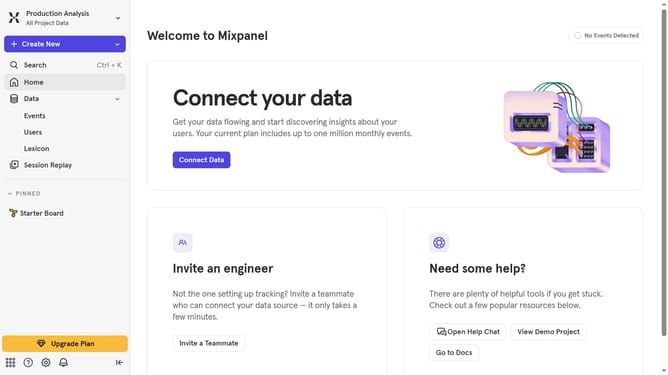
- Next scroll down to view more options
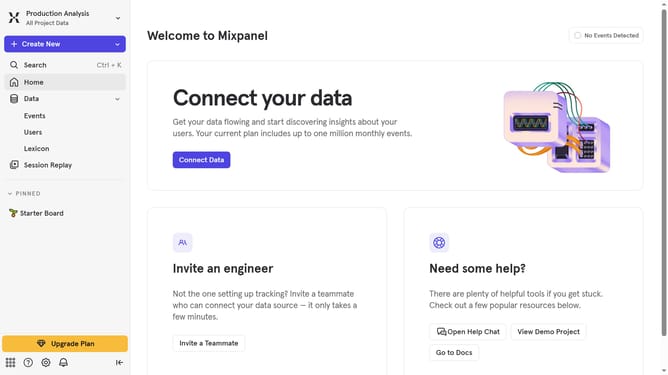
- Then click on the "Iterable" integration option
- Next click on the "Disconnect" button
- Finally click on the "Disconnect" button in the confirmation modal
Why should you disconnect Interable in Mixpanel
Mixpanel is a powerful tool designed to help businesses understand user behavior and optimize their product experiences.
Disconnecting Iterable from Mixpanel is a straightforward feature that empowers users to streamline their data integrations without any hassle.
By understanding how to effectively manage your integrations, you maintain control over your analytical insights, ensuring data relevancy and accuracy tailored to your specific needs.
This flexibility allows you to refine your digital strategy, fostering efficient decision-making and enhancing user engagement outcomes.
Last update