How to reconnect Appecues in Mixpanel
Here is how to reconnect appecues in mixpanel
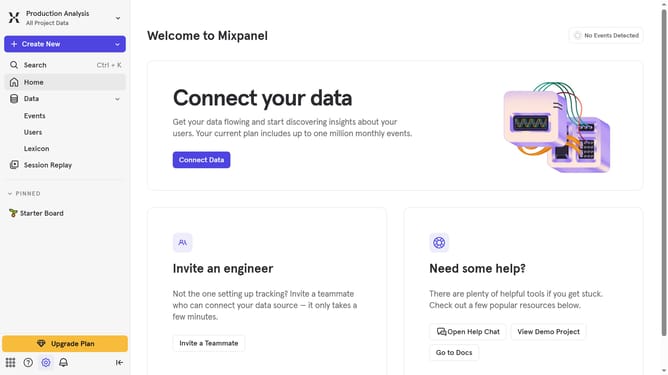
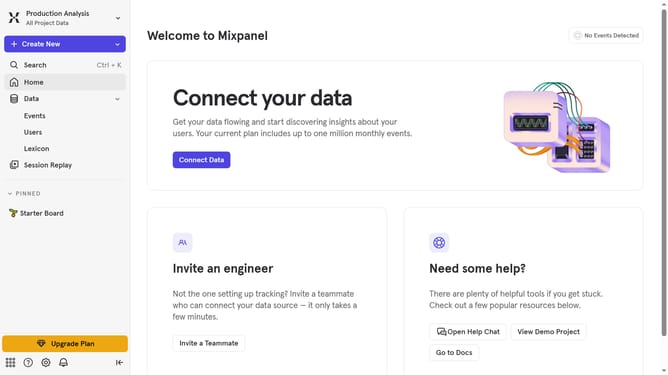
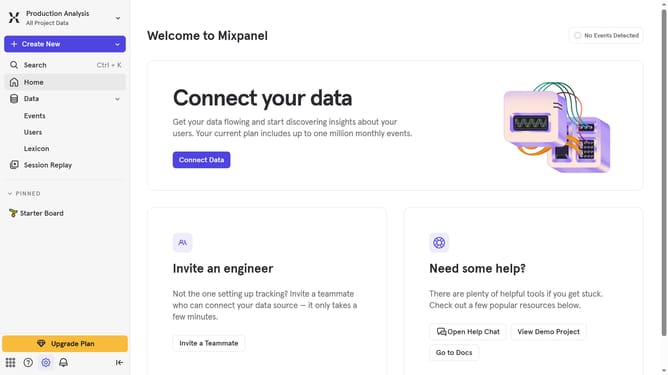
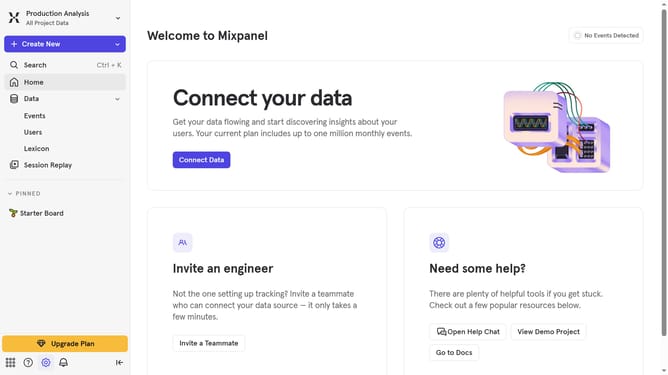
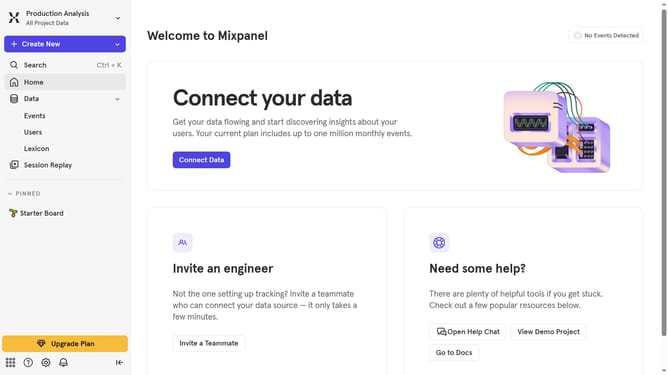
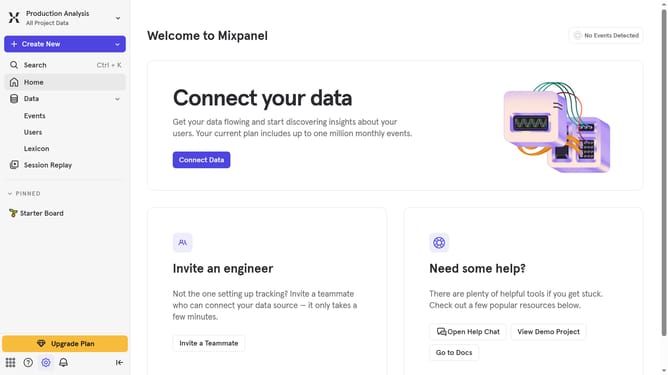
- First click on the "gear" icon in the left sidebar
- Then select "Integrations" from the sidebar menu
- In the main content area, scroll down to find the "Appcues" integration
- Click on the "Appcues" integration card
- Click on the "Re-connect" button
- Then clicko n the "API KEY" text input field and paste your APK KEY
- Finally click on the "Continue" button
Why should you reconnect Appecues in Mixpanel
Mixpanel is a powerful analytics platform designed to empower businesses by providing insights into user behavior.
Reconnecting Appecues in Mixpanel ensures that your analytics and customer experience tools work seamlessly together, enhancing your ability to create personalized user journeys.
This integration allows for a more in-depth understanding of how users interact with your product, helping you identify areas for improvement and drive engagement.
Utilizing this feature results in a cohesive dataset, leading to more robust strategies and informed decision-making.
Last update