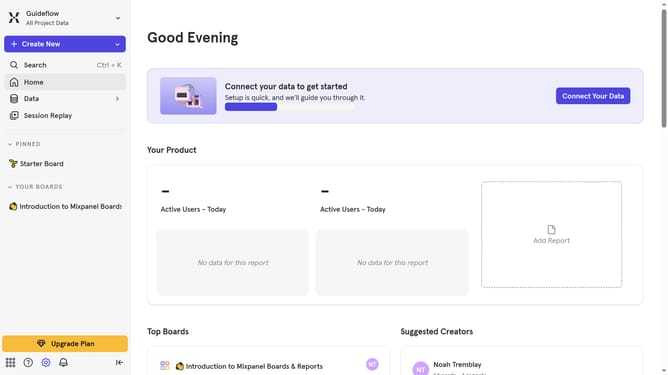
How to change service accounts to consumer in Mixpanel
Here is how to change service accounts to consumer in mixpanel
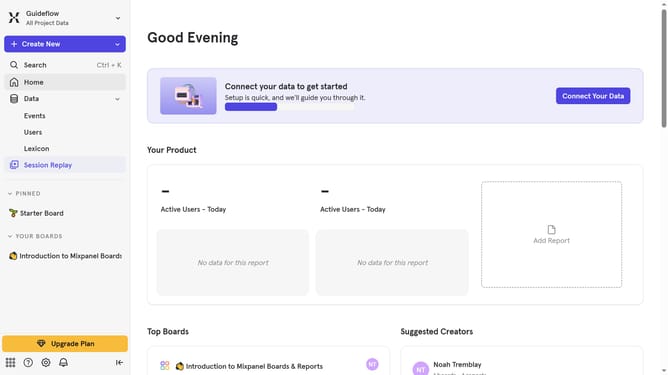
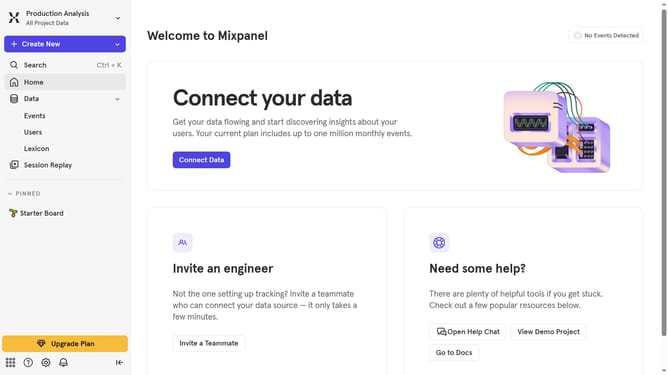
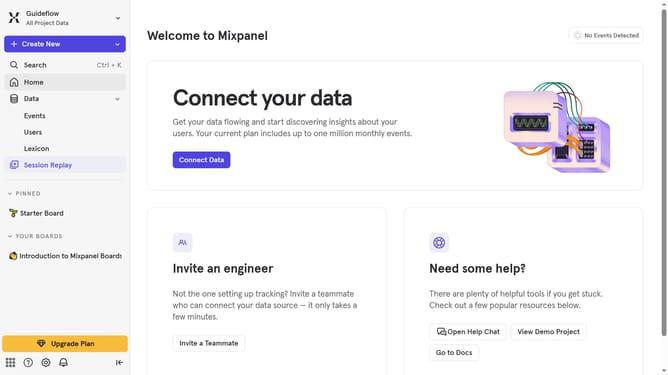
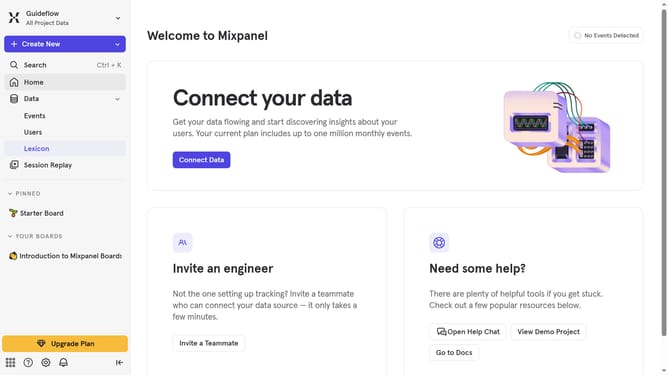
- First click on the settings icon in the bottom left sidebar
- Then hover your mouse cursor over the "Settings" menu
- Next click on "Project Settings" option from the dropdown menu
- After that click on "Service Accounts" in the left sidebar menu
- Then click on the "Role" dropdown
- Finally select the "Consumer" option from the role dropdown
Why should you change service accounts to consumer in Mixpanel
Mixpanel is a powerful tool designed for advanced analytics and insights to elevate your business's data-driven decision-making.
One of its noteworthy features is the ability to seamlessly switch service accounts to consumer roles.
This flexibility allows for streamlined account management, ensuring that access rights are appropriately assigned and maintained.
By changing service accounts to consumer, businesses can enhance operational efficiency and security, optimizing the user experience for data interaction and management.
Last update