How to filter event properties to visible in Mixpanel
Here is how to filter event properties to visible in mixpanel
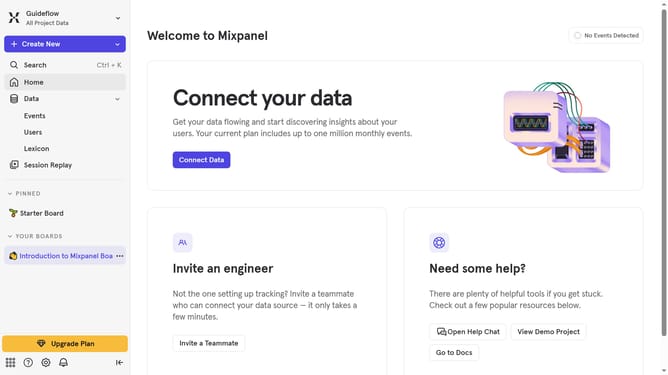
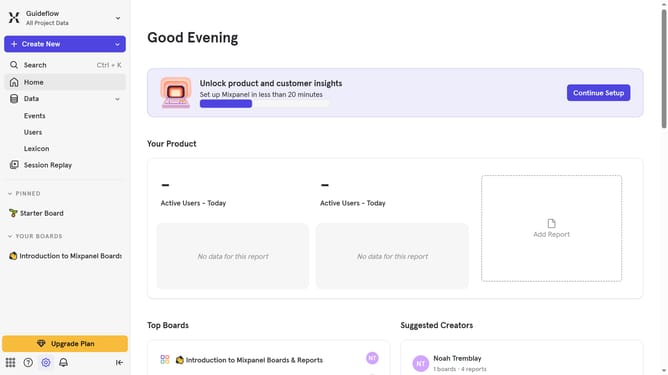
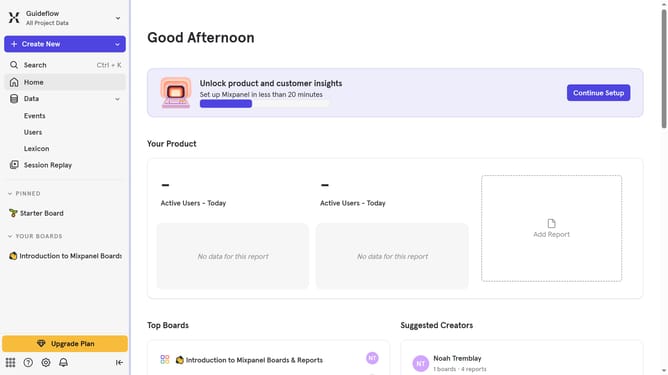
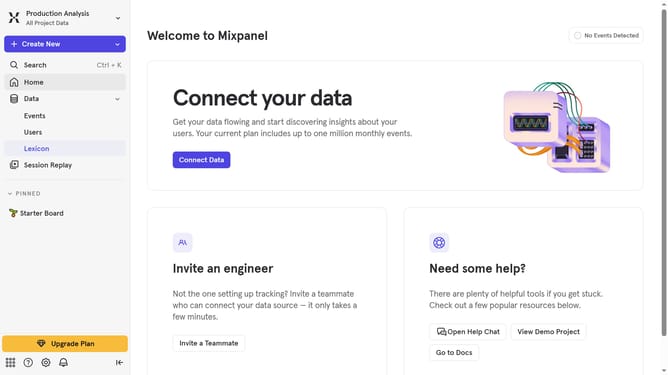
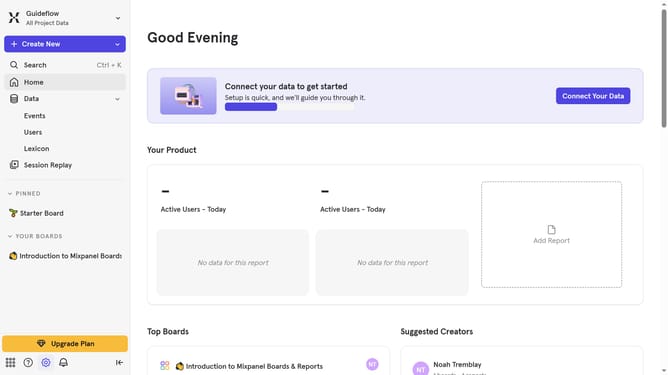
- First, in the left sidebar, click on the "Lexicon" item
- Next, in the left sidebar, click on "Event Properties"
- Then, click on the "Filter" button
- Finally, select the "Visible" checkbox
Why should you filter event properties to visible in Mixpanel
Mixpanel is a powerful analytics tool designed to reveal user behavior trends for better decision-making.
One of its standout features is the ability to filter event properties to visible, making it easier to focus on data that truly matters to your business.
This functionality enhances the clarity of insights by allowing users to streamline their data view, eliminating noise and simplifying analysis.
By honing in on relevant information, teams can derive more accurate insights that drive strategic business outcomes.
Last update