How to reconnect Custom Webhook in Mixpanel
Here is how to reconnect custom webhook in mixpanel
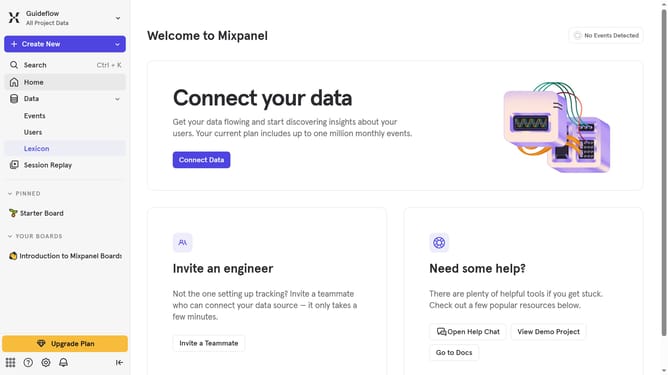
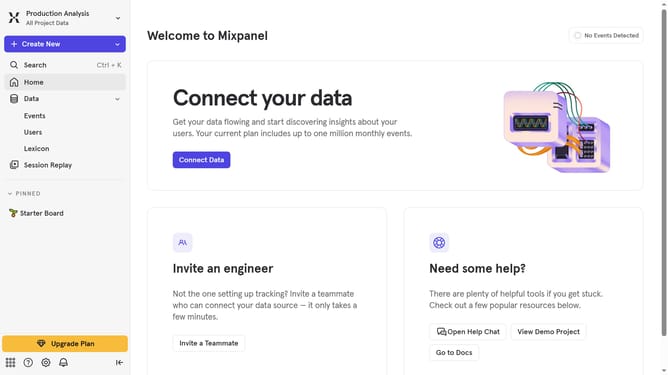
- First click on the "Settings" icon in the left sidebar
- Then click on "Integrations" in the modal menu
- Then scroll down to view more options
- Then click on the "Custom Webhook" option
- Then click on the "Re-connect" button
- Then click on the URL input field and type in the url for your Custom Webhook set up
- Finally click on the Continue button
Why should you reconnect Custom Webhook in Mixpanel
Mixpanel is a powerful analytics tool designed to track user interactions and support data-driven decisions.
The ability to reconnect Custom Webhooks in Mixpanel ensures continuous and seamless data transfers. This feature allows you to maintain the flow of critical information between Mixpanel and external services, enhancing your analytics ecosystem.
Utilizing this function helps keep your data pipeline robust and responsive. It ensures minimal disruption, supporting ongoing insights that drive strategic initiatives and optimize user engagement effectively.
Last update