How to reset GDPR API in Mixpanel
Here is how to reset gdpr api in mixpanel
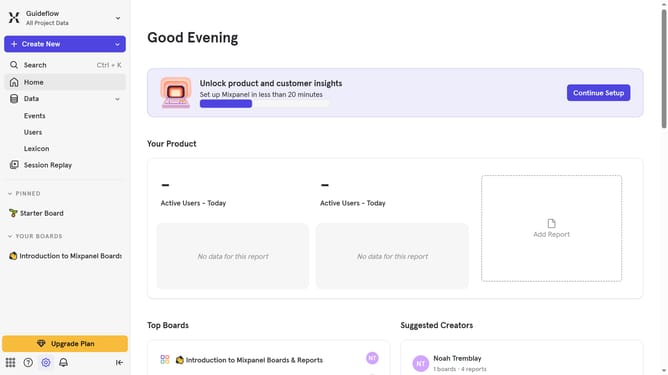
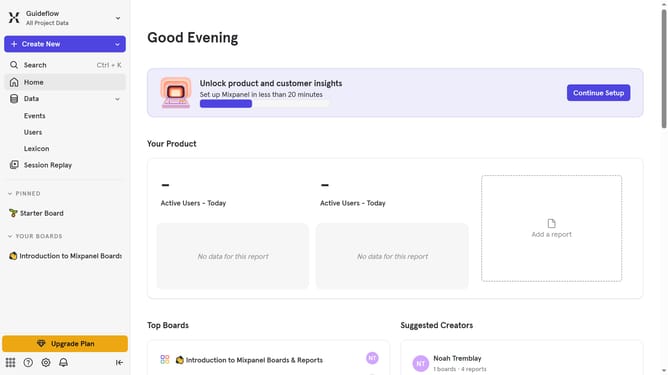
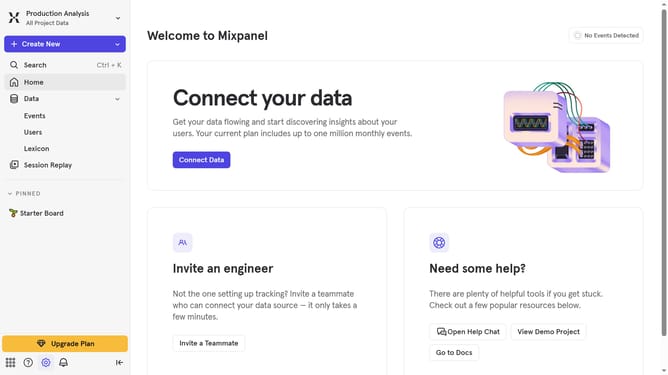
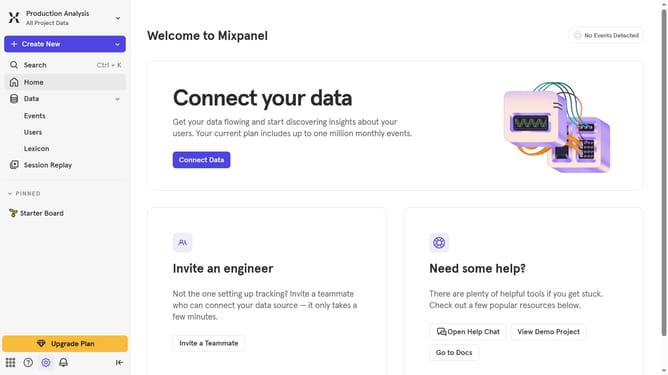
- First click on the "Settings" icon in the bottom left sidebar
- Then hover your mouse cursor over "Settings" in the dropdown menu
- Next, click on "Personal Settings" from the options in the left sidebar
- Then click on "Data & Privacy" in the left sidebar
- After that, click on the "Reset" button
- Finally click on the "Reset" button to confirm
Why should you reset GDPR API in Mixpanel
Mixpanel is a powerful analytics platform designed to help businesses track and understand user interactions.
The GDPR API in Mixpanel allows you to manage personal data in compliance with privacy regulations. Resetting the GDPR API ensures that your system aligns with updated data policies, offering your users enhanced privacy protection.
This feature is crucial for maintaining data integrity and fostering trust with your user base. By keeping your data processes current, you not only adhere to legal standards but also enhance your company's reputation for safeguarding user data.
Last update