How to enable open organization in Mixpanel
Here is how to enable open organization in mixpanel
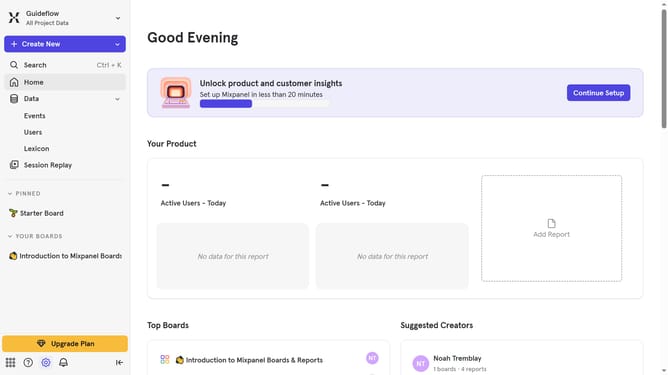
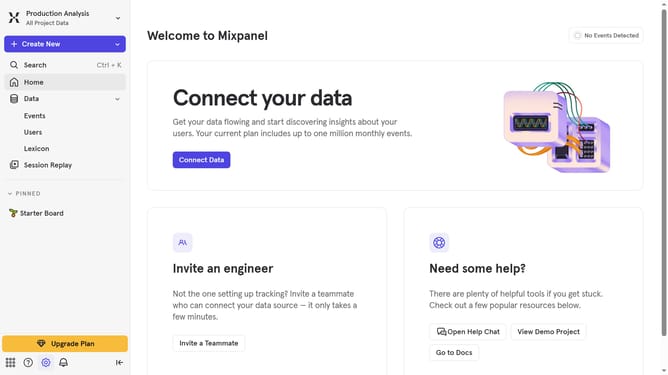
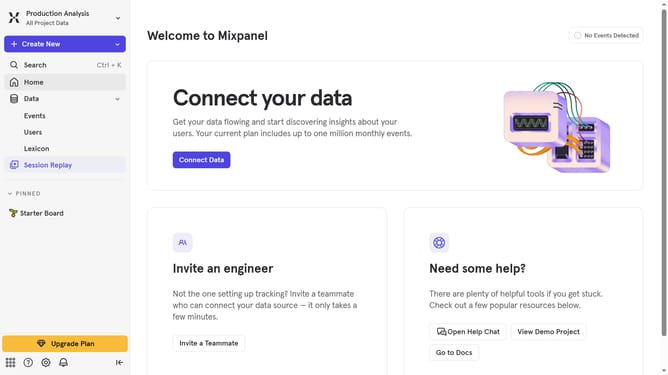
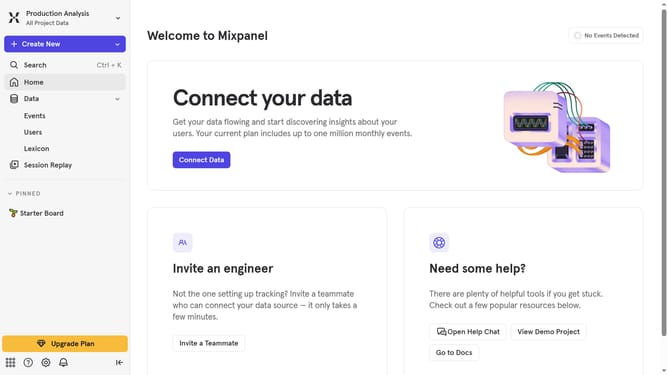
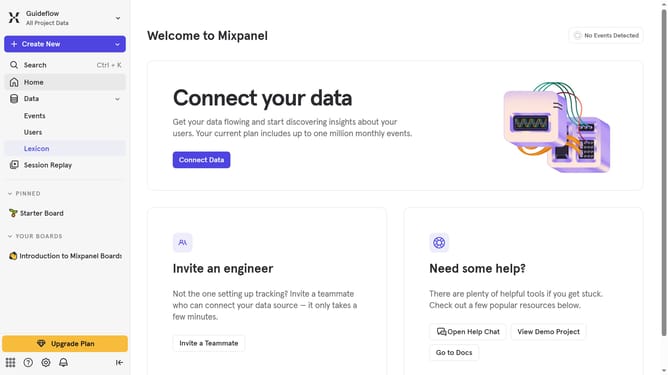
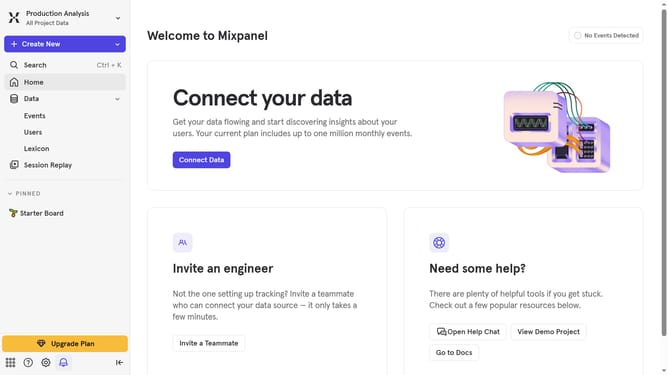
- First click on the "Settings" icon in the left sidebar
- Then hover your mouse over the "Settings" option
- Next, select the "Organization Settings" option from the dropdown menu
- After that, click on "Users & Teams" in the left settings panel
- Then click on the "Organization Discoverability" tab
- Finally, click on the radio button next to "Open Organization"
Why should you enable open organization in Mixpanel
Mixpanel is a powerful analytics platform designed to help businesses understand user behavior and optimize product engagement.
Enabling the open organization feature in Mixpanel allows you to foster a culture of transparency and collaboration within your team.
This feature provides team members with broader access to valuable insights and data, empowering them to make informed decisions.
As a result, teams can work more collaboratively, enhancing productivity and fostering innovation.
Last update