How to switch to admin approval discoverability in Mixpanel
Here is how to switch to admin approval discoverability in mixpanel
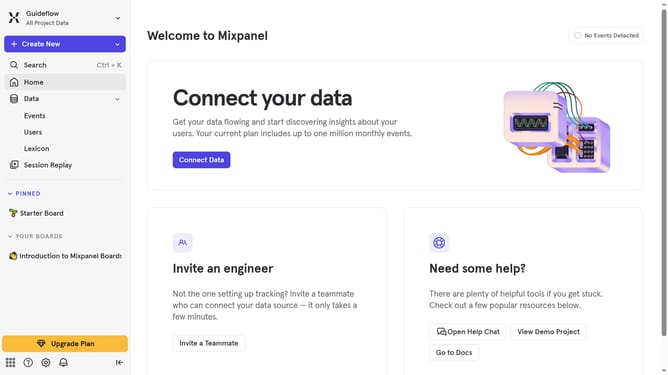
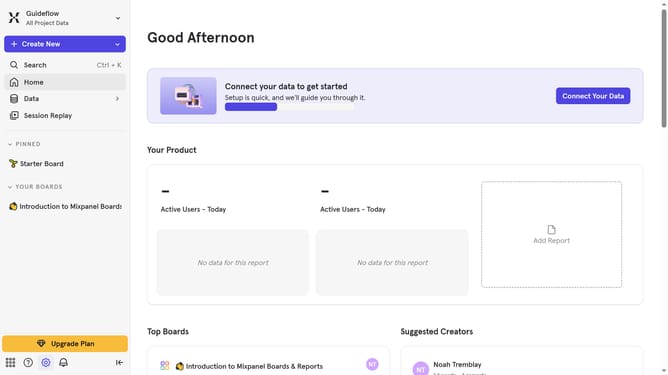
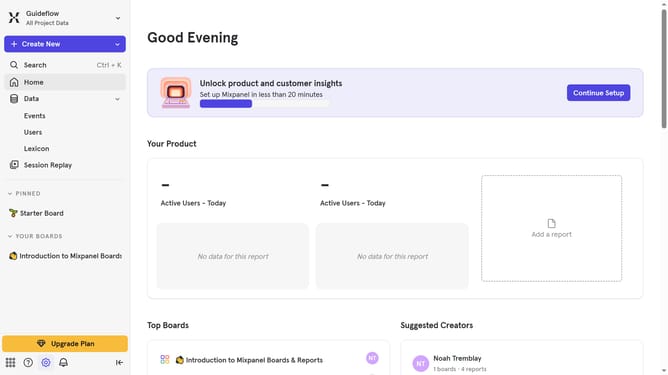
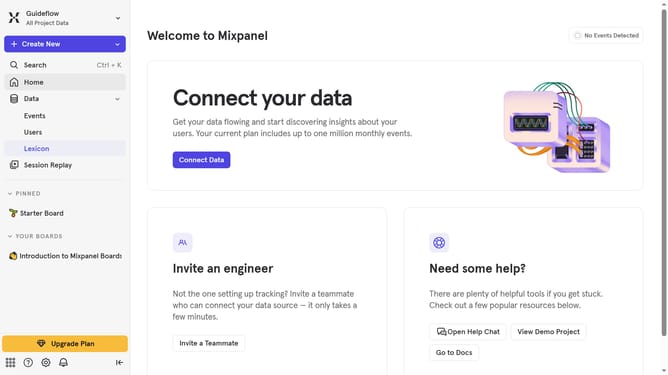
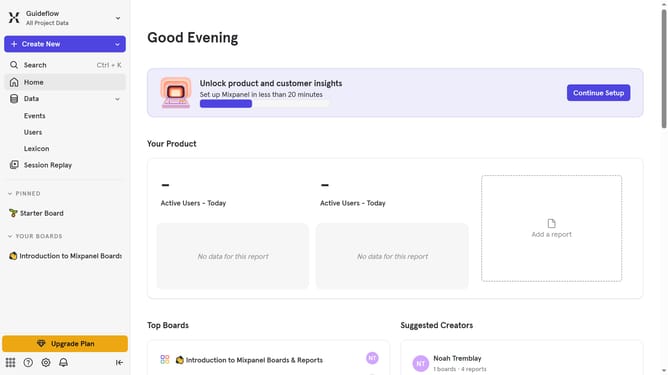
- First click on the settings icon in the left sidebar
- Then hover your mouse over the settings option
- Next, click on "Organization Settings" from the dropdown
- Then click on "Users & Teams" in the left navigation panel
- Next, click on the "Organization Discoverability" tab
- Finally, click the radio button next to the "Admin Approval" option
Why should you switch to admin approval discoverability in Mixpanel
Mixpanel is a powerful analytics tool designed to help businesses understand user behavior through advanced data tracking.
Switching to admin approval discoverability in Mixpanel allows for tighter control over who can access and view specific data sets. This feature ensures that only authorized users can gain insights, maintaining data integrity and security.
By using admin approval, teams can streamline operations by allowing only necessary stakeholders to access crucial information, minimizing overwhelm, and promoting effective decision-making.
Last update