How to disconnect Marketo in Mixpanel
Here is how to disconnect marketo in mixpanel
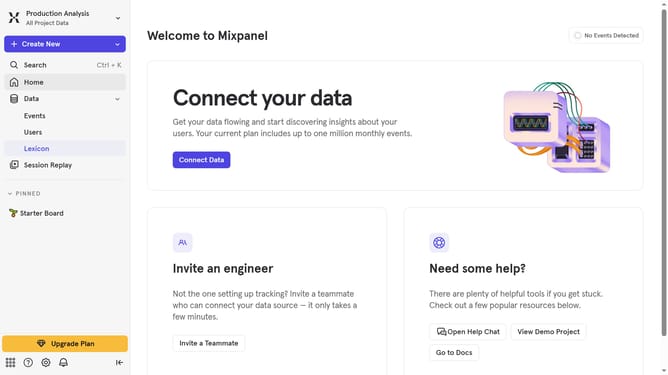
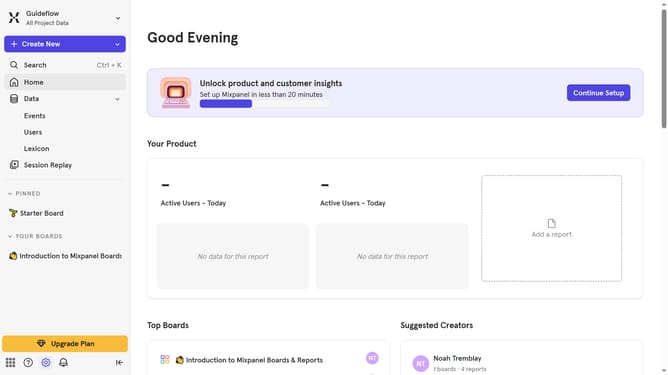
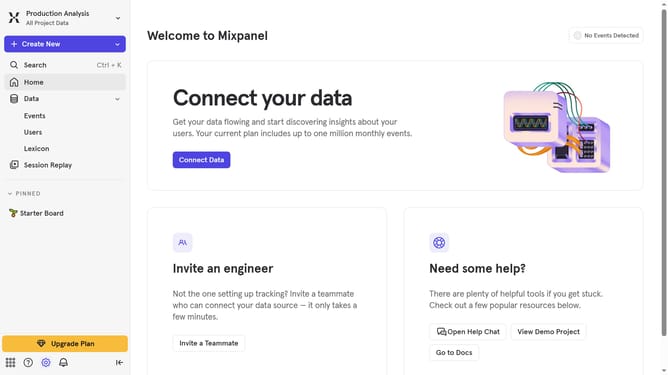
- First click on the gear icon labeled "Settings" in the bottom left corner
- Then click on "Integrations" in the sidebar menu
- Then scroll down to view more options
- Then click the "Marketo" integration option
- Then click on the "Disconnect" button
- Finally click on the "Disconnect" button in the confirmation dialog
Why should you disconnect Marketo in Mixpanel
Mixpanel is a powerful analytics platform designed to help businesses understand user behavior and enhance their product strategies.
Disconnecting Marketo from Mixpanel can streamline operations and optimize your data management process. By removing the integration when it's no longer needed, you can focus on the platforms that align with current business goals without clutter.
This feature ensures that you maintain control over your digital ecosystem, allowing for a more focused approach to leveraging analytics effectively. It supports strategic decision-making by providing only pertinent insights.
Last update