How to filter audit logs by feature flag duplicated in Mixpanel
Here is how to filter audit logs by feature flag duplicated in mixpanel
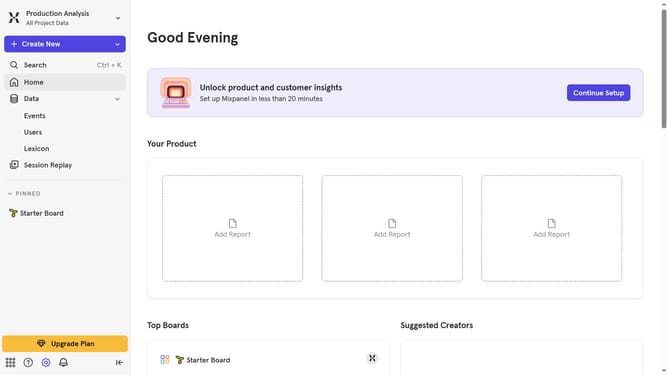
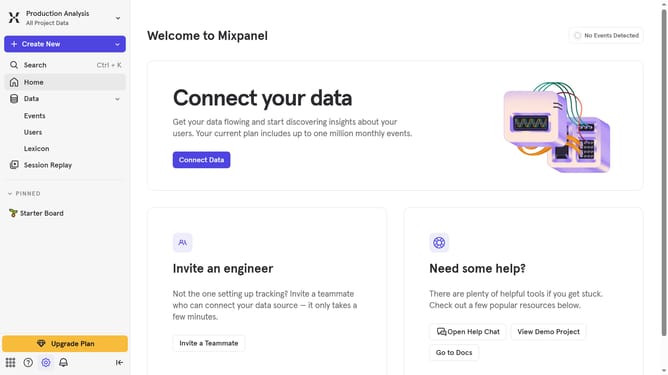
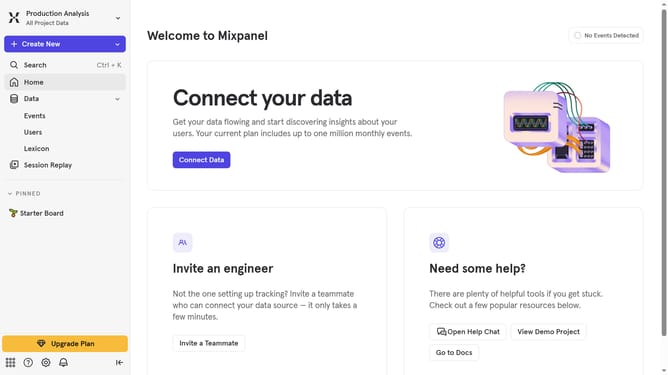
- First click on the gear icon in the bottom left sidebar
- Then hover your mouse cursor over the "Settings" option from the list
- Next click on "Organization Settings" from the dropdown menu
- After that, click on "Audit Log" in the left-hand menu
- Then click on the "Action" dropdown menu
- After that, scroll down in the dropdown menu
- Finally click on the checkbox next to "Feature Flag Duplicated"
Why should you filter audit logs by feature flag duplicated in Mixpanel
Mixpanel is a powerful analytics platform designed to help businesses understand user behavior and enhance decision-making with real-time data insights.
Within Mixpanel, filtering audit logs by feature flag duplication allows users to seamlessly stream through vast data, pinpointing interactions that affect specific feature deployments.
This tailored filtering approach provides clarity and precision, ensuring teams can swiftly identify issues, enhance feature performance, and deliver a more refined user experience.
Leveraging this feature ensures accountability and efficient iteration, essential in achieving agile development goals.
Last update