How to filter audit logs by experiment archived in Mixpanel
Here is how to filter audit logs by experiment archived in mixpanel
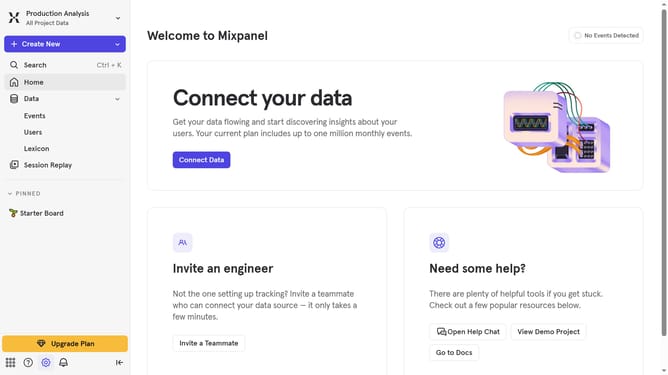
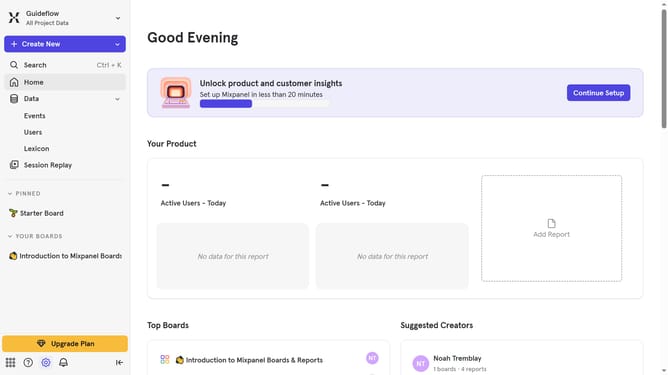
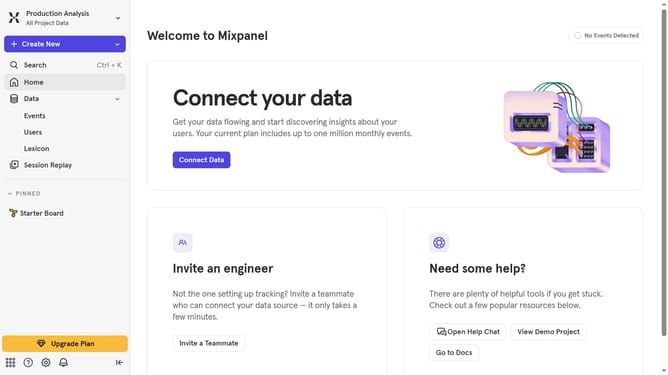
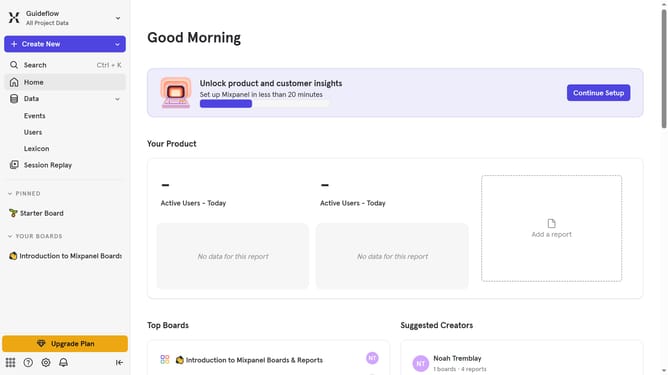
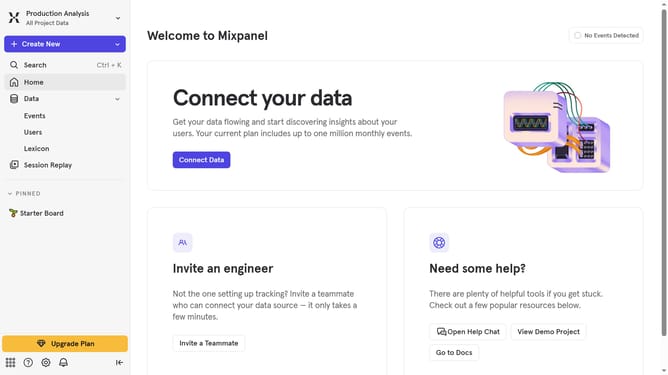
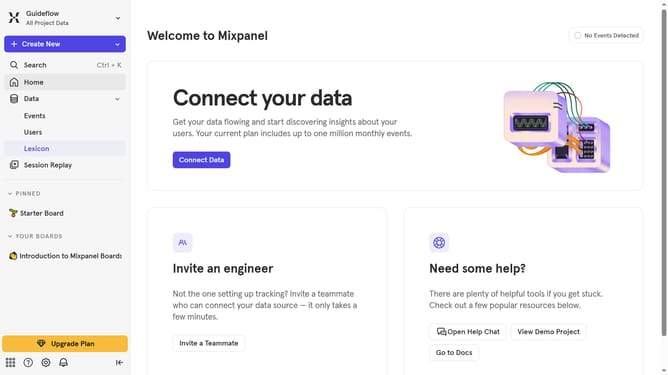
- First click on the settings icon in the left sidebar
- Then, from the expanded menu, click on "Settings"
- Next, select "Organization Settings" from the dropdown menu
- After that, click on "Audit Log" in the left sidebar
- Then, click on the "Action" dropdown menu
- Then scroll down to view more options
- Finally, click the checkbox next to "Experiment Archived"
Why should you filter audit logs by experiment archived in Mixpanel
Mixpanel empowers businesses by providing in-depth analytics to understand user behavior proficiently.
One valuable feature of Mixpanel is its ability to filter audit logs by experiment archived. This feature allows users to see the history and changes specific to experiments, making data tracking more organized and transparent.
Utilizing this feature streamlines the identification of valuable insights while tracking past experiments, ensuring a seamless analysis of data-driven decisions. It enhances clarity, enabling teams to focus on improving future strategies efficiently.
This leads to informed decision-making that ultimately boosts productivity while developing new and innovative approaches in business landscapes.
Last update