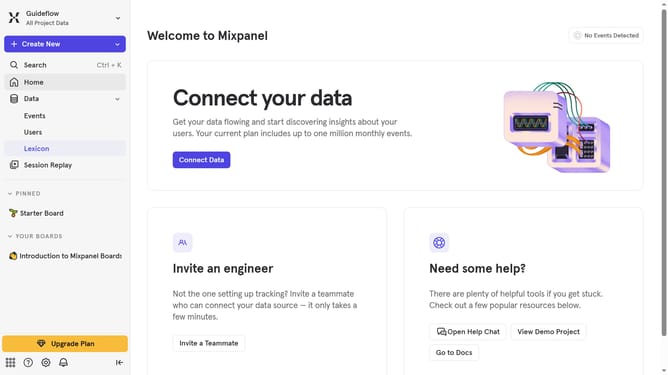
How to remove blocked filter from events in Mixpanel
Here is how to remove blocked filter from events in mixpanel
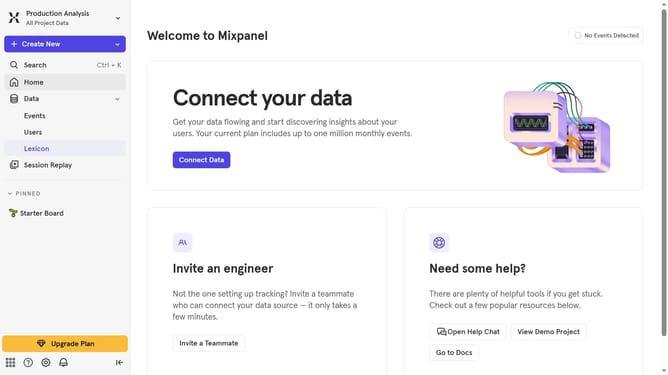
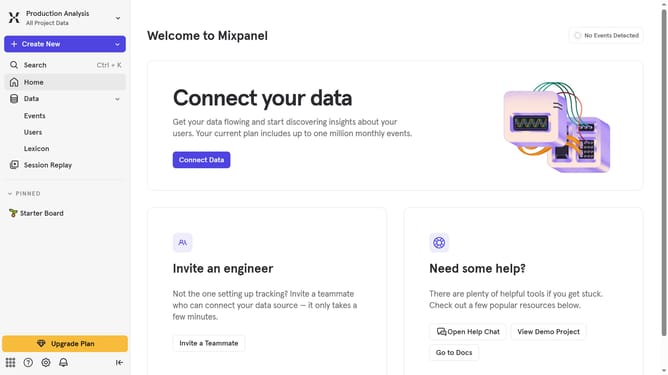
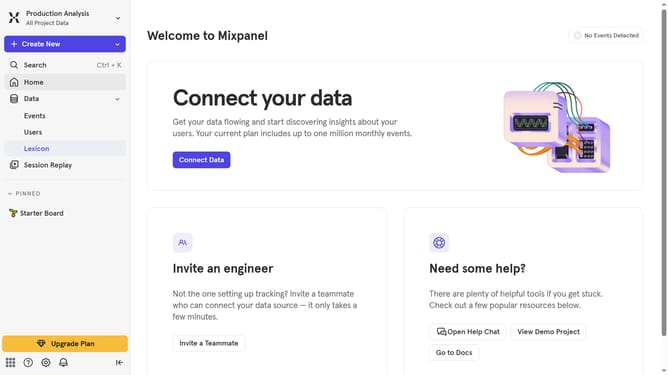
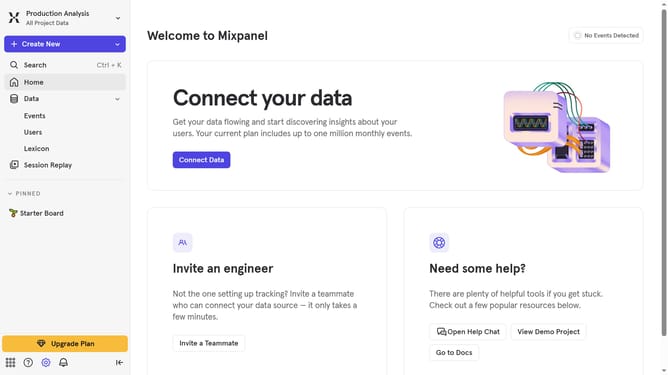
- First, click on "Lexicon" in the left sidebar
- Then, click on the "Filter" button
- Finally, uncheck the checkbox next to the "Blocked" option in the filter menu
Why should you remove blocked filter from events in Mixpanel
Mixpanel is a powerful analytics platform that allows businesses to delve deep into customer engagement and behavior.
Removing a blocked filter from events in Mixpanel enhances the flexibility and precision of your data analysis. This feature not only streamlines the process of data filtering but also ensures you access comprehensive and unbiased analytics effortlessly.
Utilizing this capability allows teams to obtain cleaner, more accurate insights, enabling informed decision-making and improving overall business strategies.
Last update