How to hide event filter properties display name in Mixpanel
Here is how to hide event filter properties display name in mixpanel
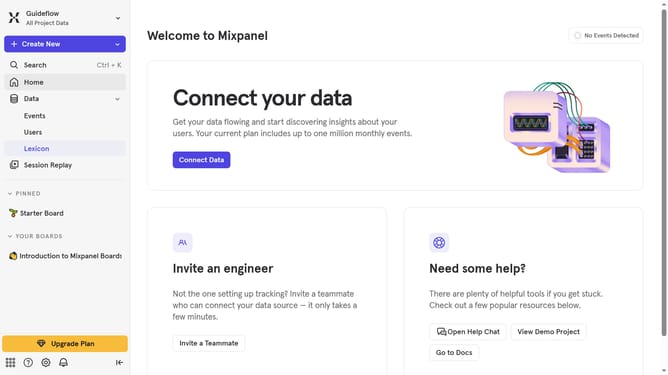
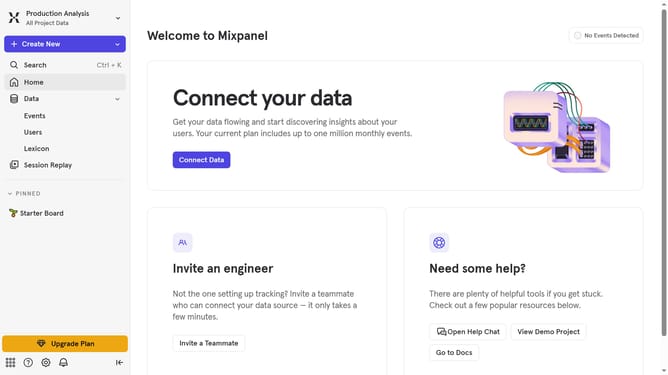
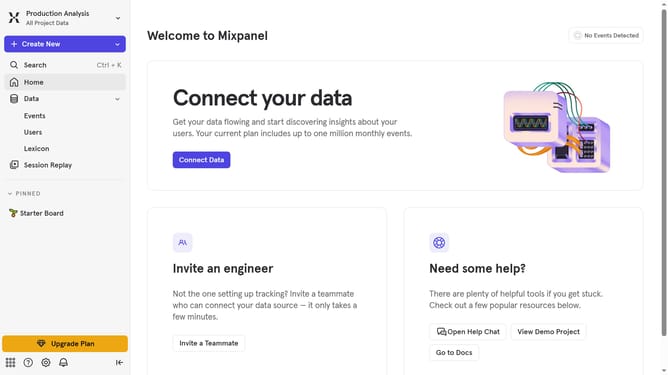
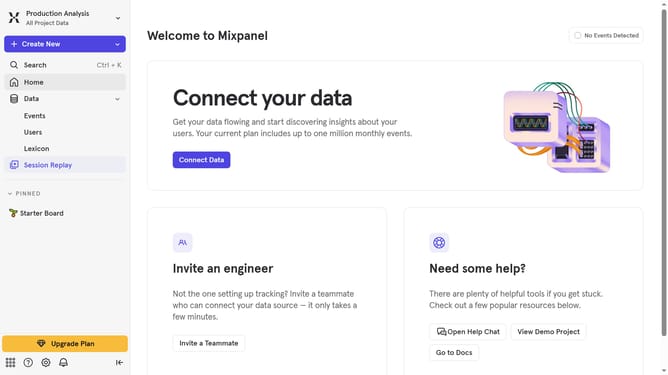
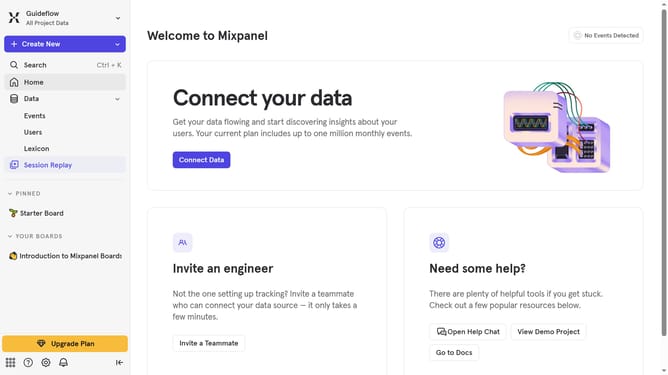
- First, navigate to the left sidebar and click on "Lexicon" in the main menu
- In the left sidebar, click on "Event Properties"
- Then, click on the "Edit Columns • 7" button in the header
- Finally, in the dropdown menu, uncheck the "Display name" checkbox
Why should you hide event filter properties display name in Mixpanel
Mixpanel is a powerful analytics tool designed to help businesses understand customer behavior through data-driven insights.
A valuable feature of Mixpanel is the ability to hide event filter properties display names. This allows users to maintain a streamlined visual experience while analyzing subsets of data without distractions.
By concealing unnecessary display names, businesses can focus on the most relevant metrics, leading to more efficient decision-making processes. This enhances data clarity and keeps analysis clean and organized.
Last update