How to filter profile properties by hidden status in Mixpanel
Here is how to filter profile properties by hidden status in mixpanel
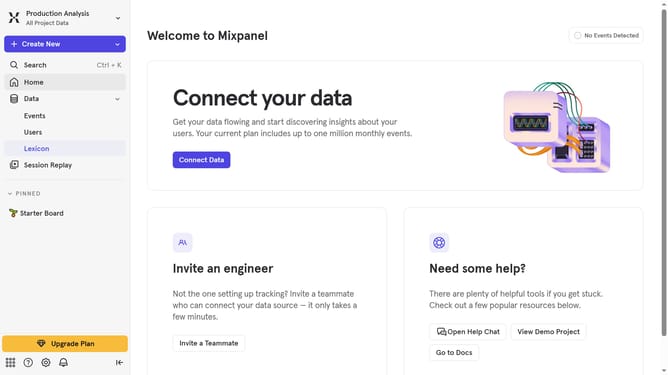
- First click on "Lexicon" in the left sidebar
- Then click on "Profile Properties" in the left sidebar
- Next click on "Filter" button
- Finally select "Hidden" checkbox from the dropdown menu
Why should you filter profile properties by hidden status in Mixpanel
Mixpanel is a powerful analytics platform designed to help businesses understand user behavior.
One of Mixpanel's useful features is the ability to filter profile properties by hidden status. This allows users to organize and manage data more effectively by focusing on the properties relevant to their analysis.
By filtering out hidden properties, teams can streamline their data views, reducing clutter and ensuring that only the most pertinent information is displayed. This results in improved clarity and more informed decision-making.
The feature enhances user experience by providing a seamless way to customize and refine data without distractions, ultimately allowing teams to concentrate their efforts on key metrics and insights.
Last update