How to filter audit logs by report deleted in Mixpanel
Here is how to filter audit logs by report deleted in mixpanel
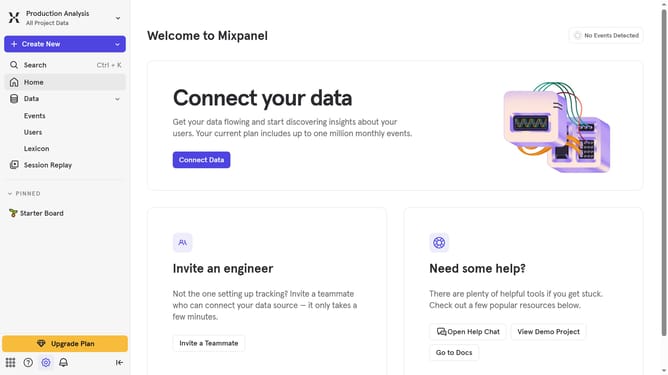
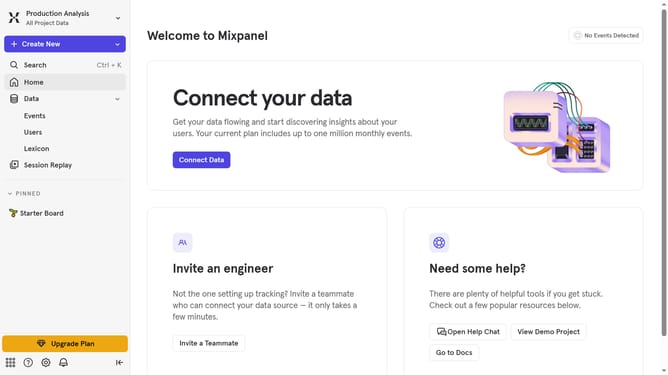
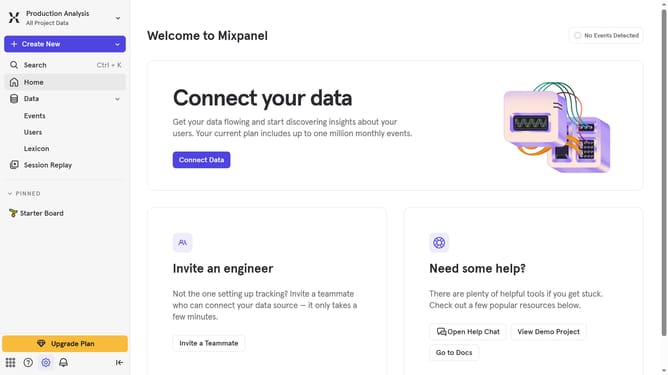
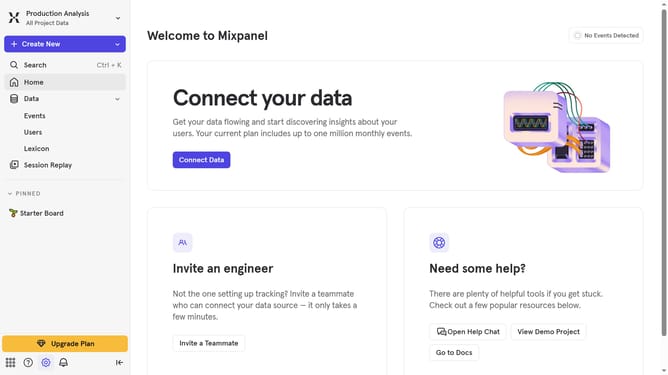
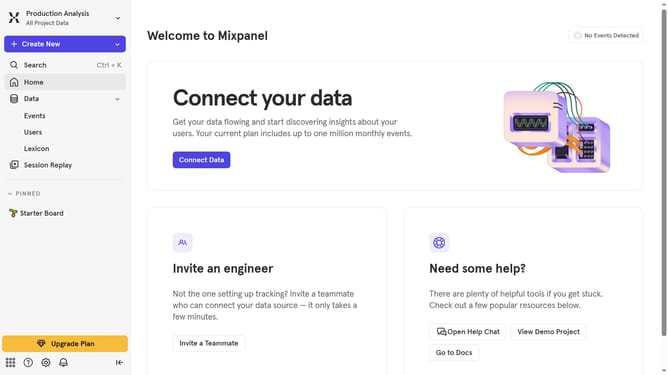
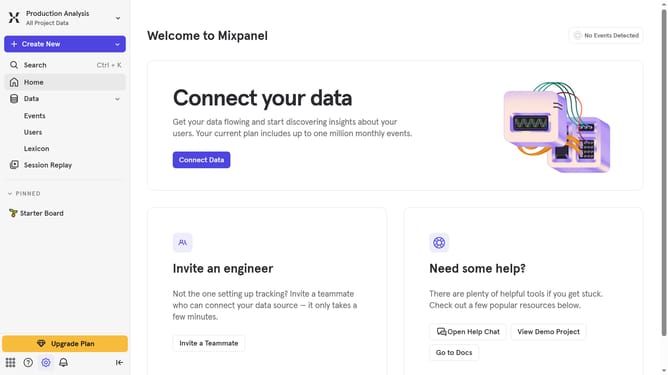
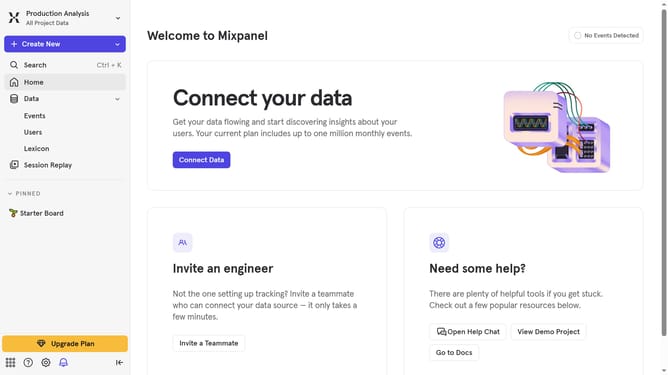
- First click on the "Settings" icon in the bottom left sidebar
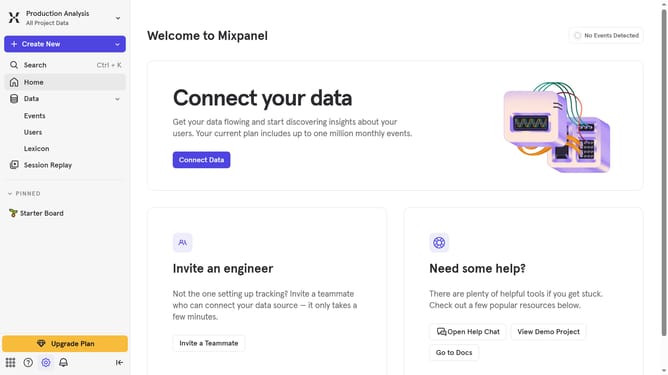
- Then hover your mouse cursor over the "Settings" option
- Next, select "Project Settings" from the dropdown menu
- Then click on "Audit Log" in the left-hand settings menu
- Next, click on the "Action" dropdown menu
- Then, scroll down in the dropdown menu
- Finally, select "Report Deleted" from the list
Last update