How to disconnect Leanplum in Mixpanel
Here is how to disconnect leanplum in mixpanel
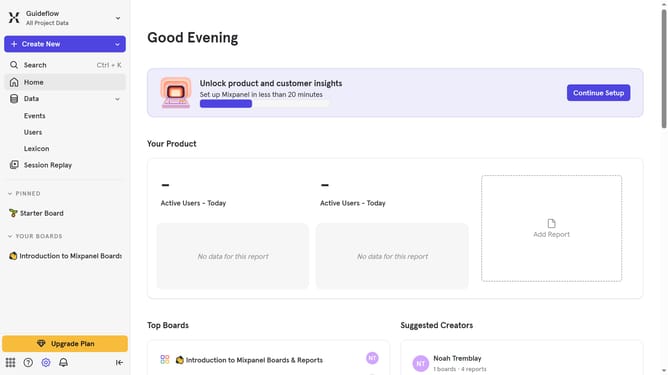
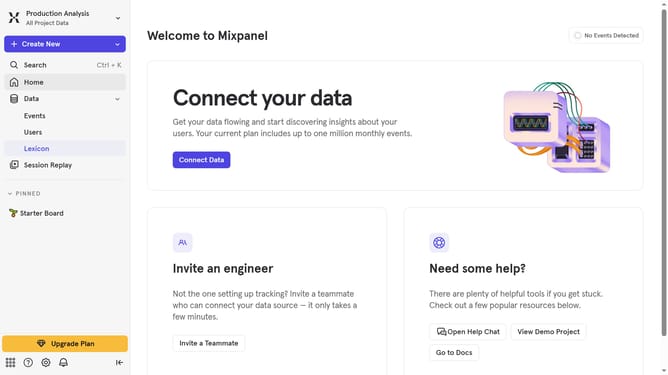
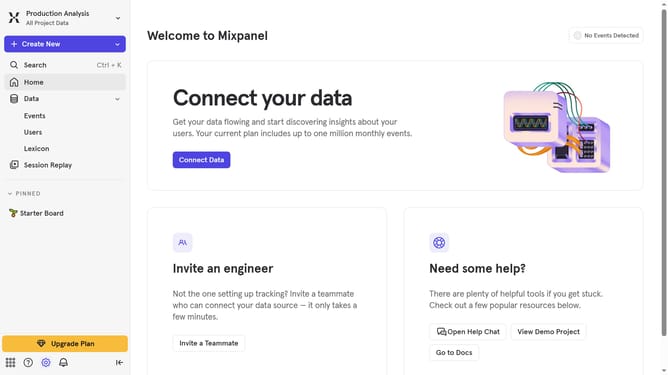
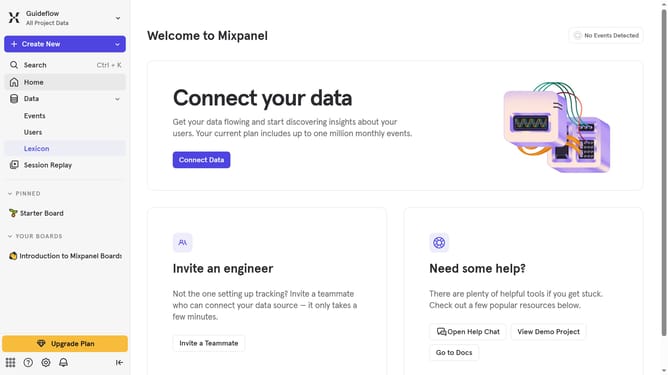
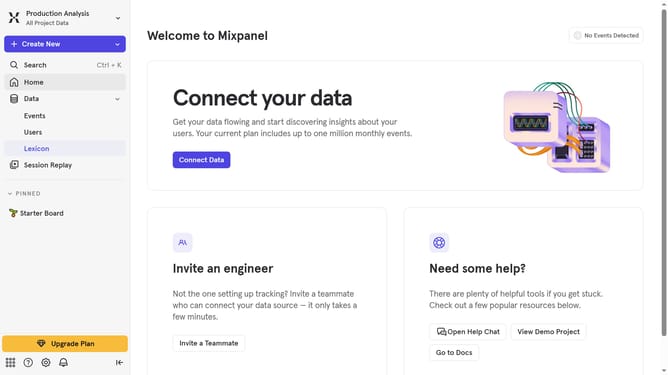
- First click on the settings icon in the bottom left sidebar
- Then click on "Integrations" in the left sidebar menu
- Next, scroll down to view more options
- Then click on "Leanplum" in the list of integrations
- Now click on the "Disconnect" button
- Finally click on the disconnect button in the modal that appears
Why should you disconnect Leanplum in Mixpanel
Mixpanel is an analytics platform designed to help businesses understand and engage their customers effectively.
Disconnecting Leanplum from Mixpanel is a beneficial feature that allows users to streamline their analytics and focus on the essential data Mixpanel provides.
By removing Leanplum, organizations can enhance their data integrity, ensuring that every metric aligns with their key performance indicators.
This adjustment provides clarity, enabling teams to make swift, data-driven decisions with confidence.
Last update