How to hide queries column in profile properties in Mixpanel
Here is how to hide queries column in profile properties in mixpanel
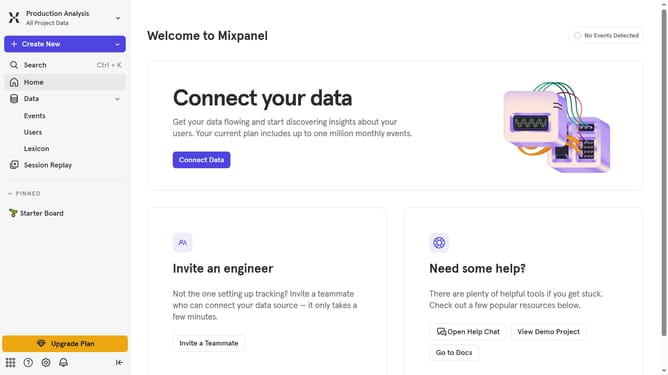
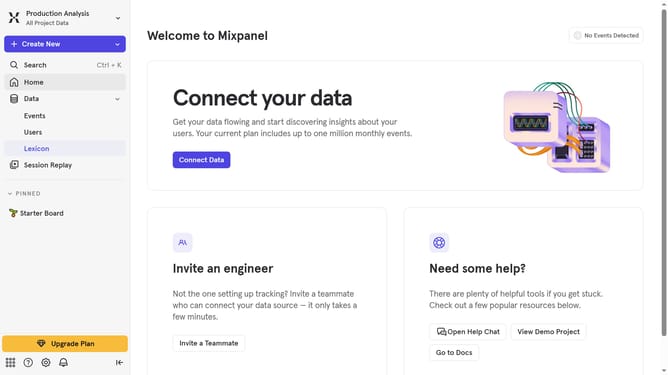
- First click on "Lexicon" in the left sidebar
- Then click on "Profile Properties" in the left sidebar
- Next, click on the "Edit Columns" button
- Finally, uncheck the checkbox next to "Queries"
Why should you hide queries column in profile properties in Mixpanel
Mixpanel is a powerful analytics platform designed to help businesses understand user behaviors.
One of its useful features includes the ability to hide queries columns in profile properties.
By hiding these columns, users can streamline their data view, resulting in a cleaner and more focused interface.
This leads to improved efficiency in analyzing user interactions and helps teams quickly access relevant information without distraction.
Such organizational capability enhances data-driven decision-making processes.
Last update