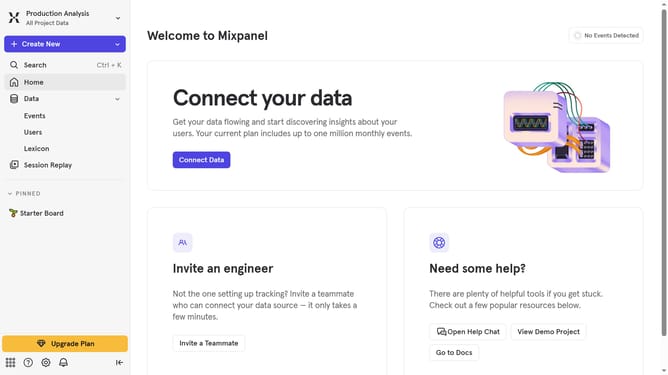
How to reconnect mParticle in Mixpanel
Here is how to reconnect mparticle in mixpanel
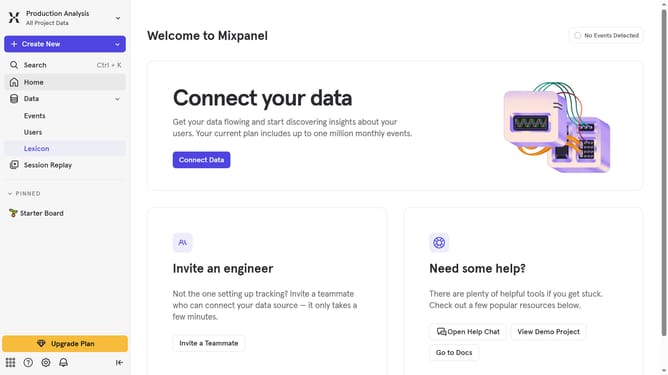
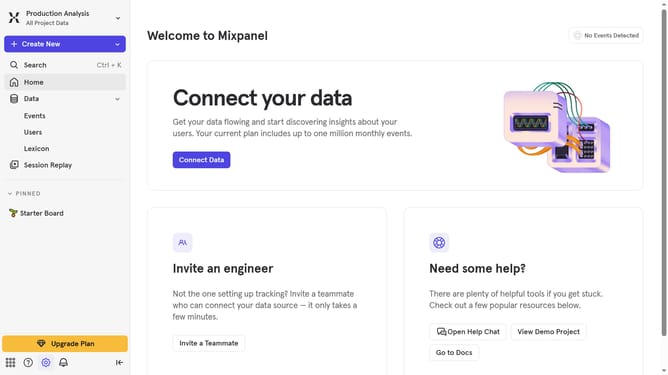
- First click on the gear icon in the bottom left corner
- Then click on "Integrations" in the left sidebar
- Then scroll down to view more options
- Next click on the "mParticle" integration option
- Then click on the "Re-connect" button
- Then click on the "URL" text input field and type in the url
- Finally click on the "Continue" button
Why should you reconnect mParticle in Mixpanel
Mixpanel is a powerful analytics platform designed to help businesses understand user behavior through comprehensive data insights.
Reconnecting mParticle in Mixpanel ensures seamless data flow between your analytics and marketing stacks.
This connection allows for real-time data synchronization, improving the accuracy of user analytics and enabling tailored marketing strategies.
Leveraging these features enhances decision-making, optimizes customer engagement, and drives business growth by ensuring you always have the most accurate data at your fingertips.
Last update