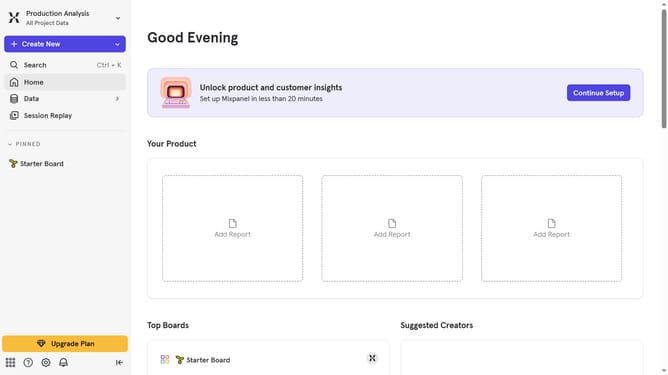
How to reconnect Marketo in Mixpanel
Here is how to reconnect marketo in mixpanel
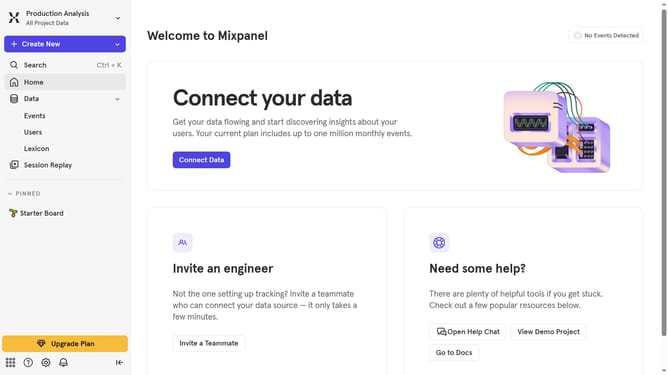
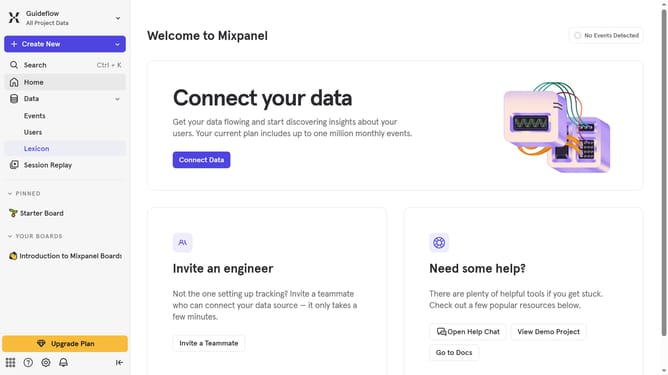
- First click on the "Settings" icon in the bottom left corner
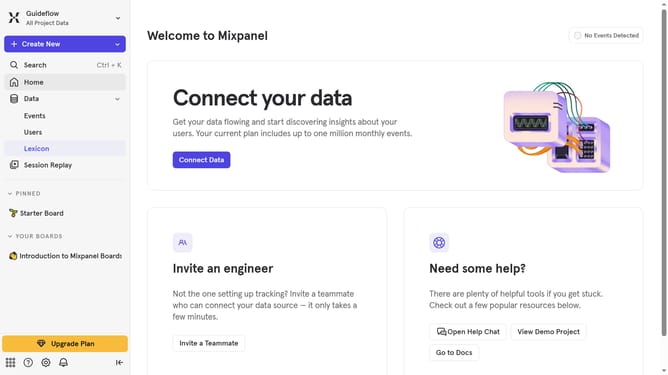
- Then click on "Integrations" in the left sidebar menu
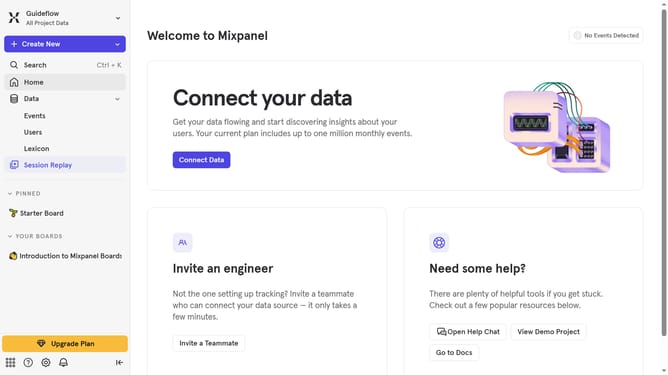
- Next scroll down to view more options
- Then click on the "Marketo" integration option
- Next click the "Re-connect" option
- Then click the "CLIENT ID" text input field and type in the client id
- Next click on the "CLIENT SECRET" text input field and type in your client's secret
- Then click the "REST URL" text input field and type in your rest url
- Finally click on the "Continue" button
Why should you reconnect Marketo in Mixpanel
Mixpanel is a powerful analytics platform designed to help businesses understand user behavior at scale.
Reconnecting Marketo in Mixpanel is a seamless way to enhance your marketing analytics by aligning your customer data across both platforms. It allows for improved data accuracy and enriches insights by combining marketing automation prowess with robust user analytics.
By re-establishing this connection, teams gain a comprehensive view of customer journeys, enabling data-driven decisions that can boost engagement and improve campaign outcomes. This synergy between Mixpanel and Marketo ensures marketing strategies are both innovative and effective.
Last update