How to disconnect Chameleon in Mixpanel
Here is how to disconnect chameleon in mixpanel
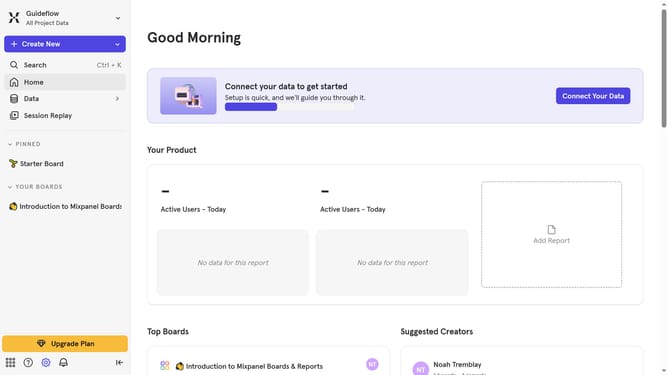
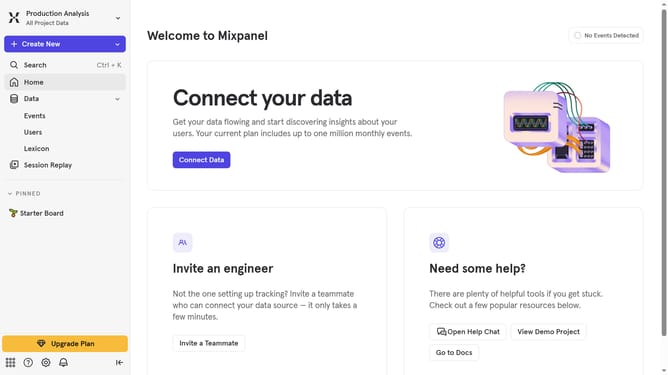
- First click on the gear icon in the bottom left sidebar
- Then select "Integrations" from the menu in the sidebar
- Then scrol down to view more options
- Next, click on the "Chameleon" integration
- Then click on the "Disconnect" button
- Finally, click on the "Disconnect" button in the confirmation dialog
Why should you disconnect Chameleon in Mixpanel
Mixpanel is an advanced analytics platform designed to help businesses understand user behavior.
Disconnecting Chameleon from Mixpanel can be beneficial in optimizing your analytics setup by eliminating unnecessary integrations.
This step can declutter your data stream, ensuring that only vital information flows through for analysis. By streamlining your data processes, it enhances focus on key insights.
Ultimately, this leads to more accurate data interpretation and effective decision-making, reinforcing your strategic objectives.
Last update