How to filter date audit logs in Mixpanel
Here is how to filter date audit logs in mixpanel
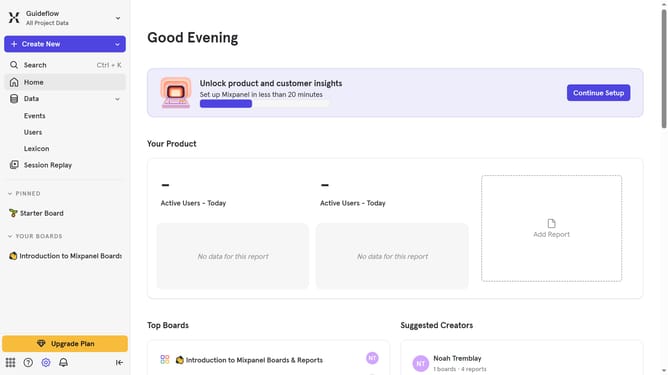
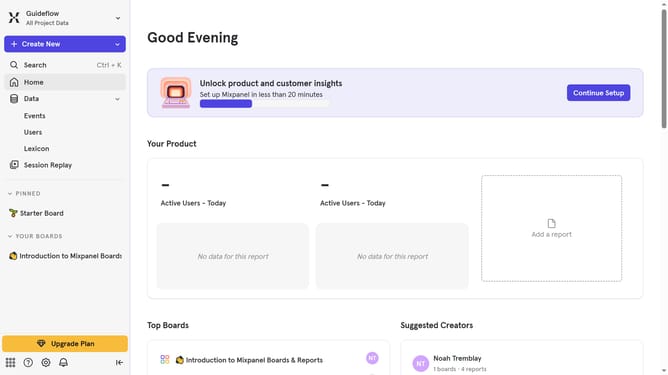
- First click on the settings icon in the bottom left corner
- Then hover your mouse cursor over the "Settings" menu
- Next, click on "Project Settings" in the settings menu
- Then click on "Audit Log" in the project settings sidebar
- First click on the "30 days" date range in the Audit Log
- Then select your desired dates from the calendar
- Finally click on the "Apply" button
Why should you filter date audit logs in Mixpanel
Mixpanel is an advanced analytics platform that helps businesses understand and improve user engagement through powerful data insights.
Filtering date audit logs in Mixpanel is an invaluable feature that streamlines how you track and interpret user activity over time.
This feature provides the flexibility to pinpoint specific periods, which enhances accuracy in your analysis.
With this, businesses can ensure their strategic decisions are always backed by timely and precise data.
Last update