How to change the start of the weekend in time period settings in Mixpanel
Here is how to change the start of the weekend in time period settings in mixpanel
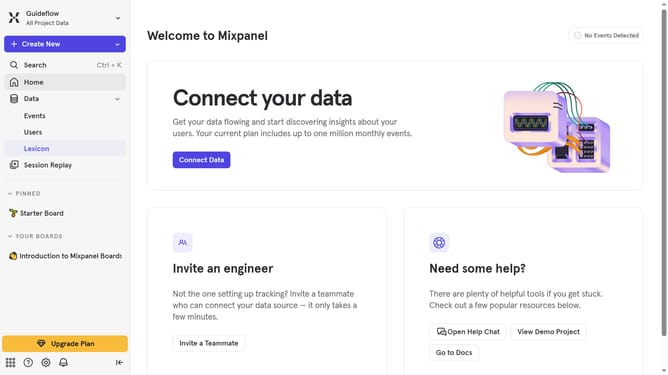
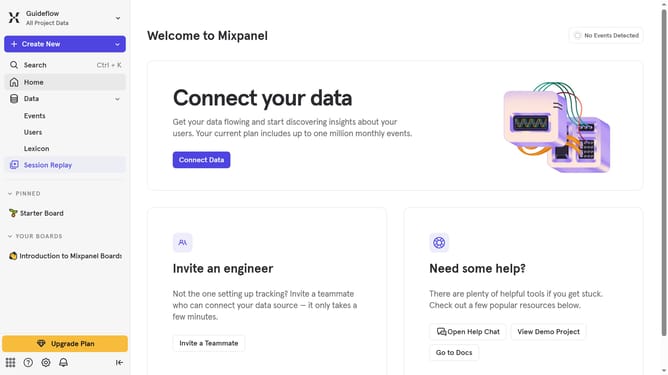
- First click on the settings gear icon in the header
- Then hover your mouse cursor over the "Settings"
- Next, click on "Project Settings" from the dropdown menu
- Then scroll down to view more options
- Next, click on the edit icon on the right side of the list
- Then select your preferred day of the week from the dropdown list
- Finally click on the "Save" button
Why should you change the start of the weekend in time period settings in Mixpanel
Mixpanel is a dynamic analytics tool that empowers businesses to understand user engagement in rich detail.
Changing the start of the weekend in Mixpanel's time period settings enhances the accuracy of your data and insights, aligning them perfectly with your functional workweek.
By customizing the weekend start point, teams can better tailor reports and analyses to reflect peak times of user activity, providing critical insights for strategic decision-making.
This feature allows for a personalized approach, ensuring your reports are not only timely but also relevant to your business dynamics.
Last update