How to hide image column in events in Mixpanel
Here is how to hide image column in events in mixpanel
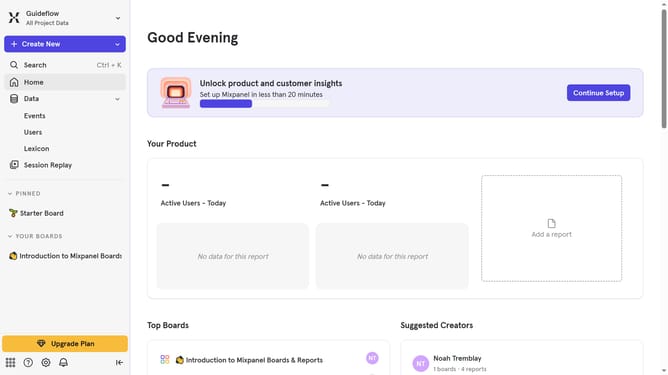
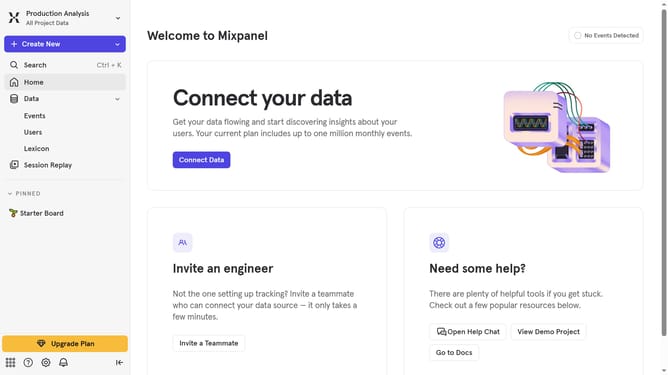
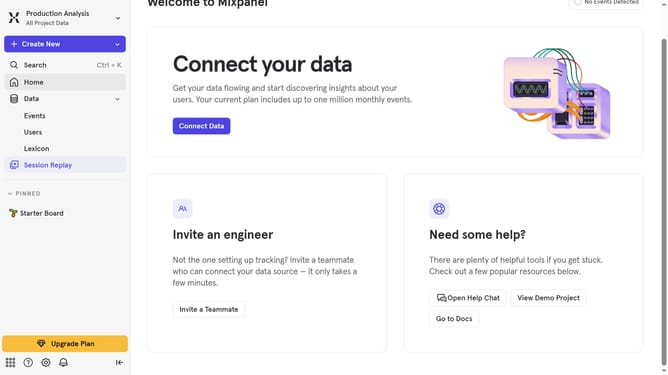
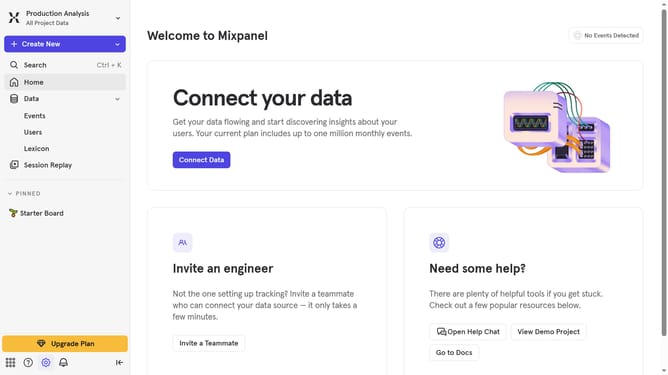
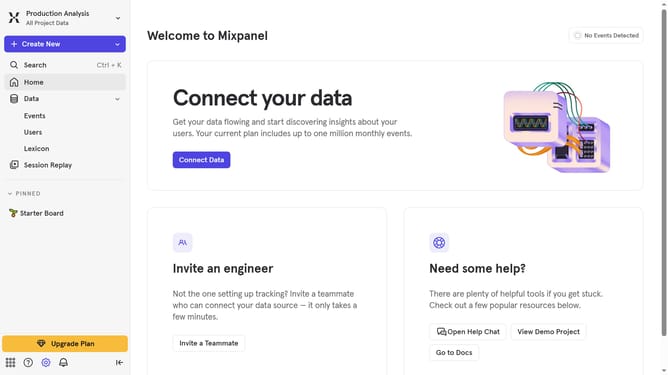
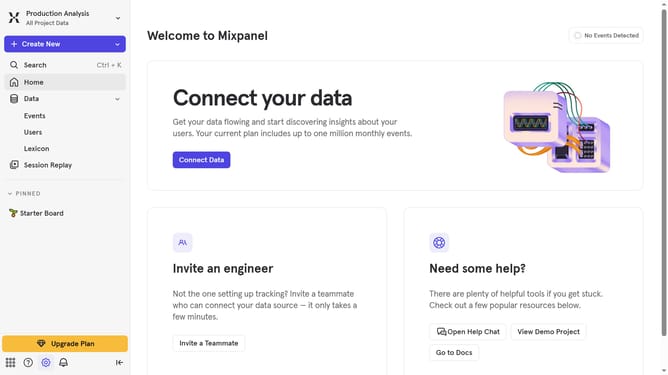
- First click on "Lexicon" in the sidebar
- Then click on the "Edit Columns" button
- Next, scroll down in the dropdown menu
- Finally, uncheck the "Image" checkbox to hide it
Why should you hide image column in events in Mixpanel
Mixpanel is a powerful analytics platform that helps you understand user behavior across your digital products.
Hiding the image column in events within Mixpanel can help streamline your data analysis process. By focusing solely on critical metrics, you can reduce visual clutter and increase efficiency.
This feature is particularly beneficial when your primary focus is on understanding numerical and textual data, allowing for a more streamlined workflow and clearer insights.
Last update