How to filter audit logs by event definition canceled in Mixpanel
Here is how to filter audit logs by event definition canceled in mixpanel
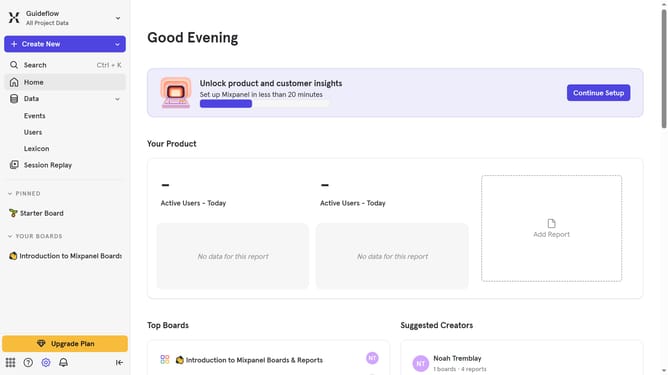
- First click on the settings icon in the bottom left sidebar
- Then hover your mouse cursor over the "Settings" option
- Next, select "Organization Settings" from the expanded menu
- In the left-hand navigation pane, click on "Audit Log"
- Then click on the "Action" dropdown
- In the displayed menu, scroll down to view more option
- Finally, select the "Event Deletion Canceled" checkbox
Why should you filter audit logs by event definition canceled in Mixpanel
Mixpanel is a powerful analytics platform designed to track user interactions and measure the impact of product decisions.
Filtering audit logs by event definition canceled in Mixpanel allows you to pinpoint and address instances where planned actions didn’t materialize as expected. This feature not only streamlines the review process but also enhances your understanding of user behavior and system events.
By isolating canceled events, teams can quickly identify patterns or issues that may require attention, leading to informed decision-making and improved operational efficiency.
Last update