How to show example value column in custom profile properties in Mixpanel
Here is how to show example value column in custom profile properties in mixpanel
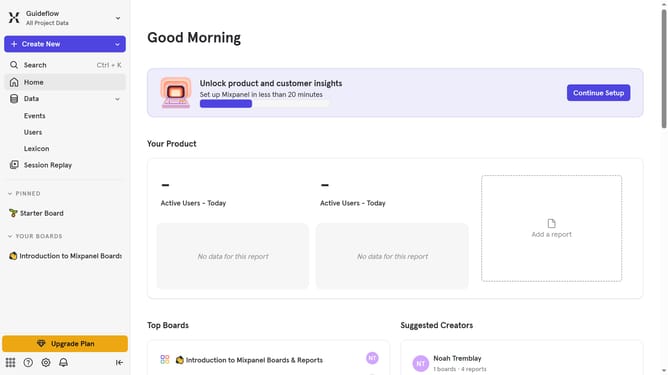
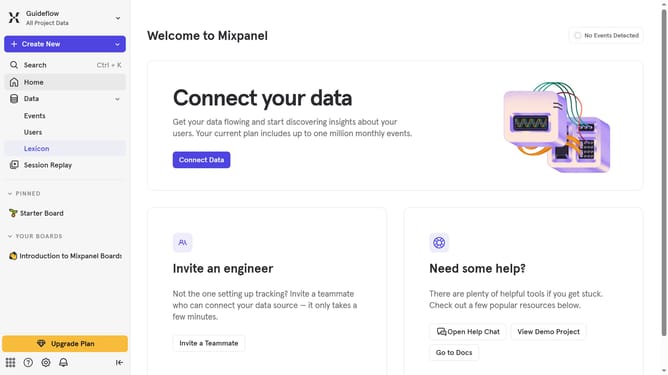
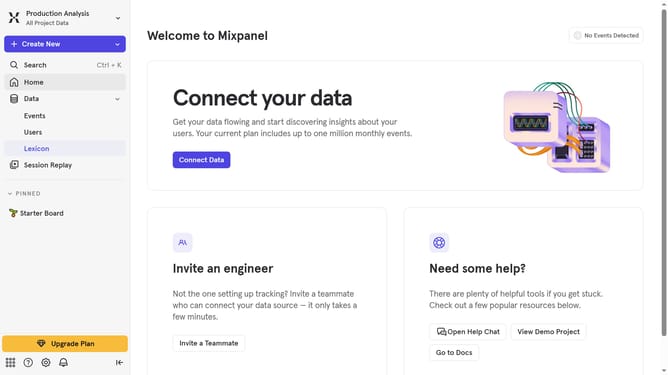
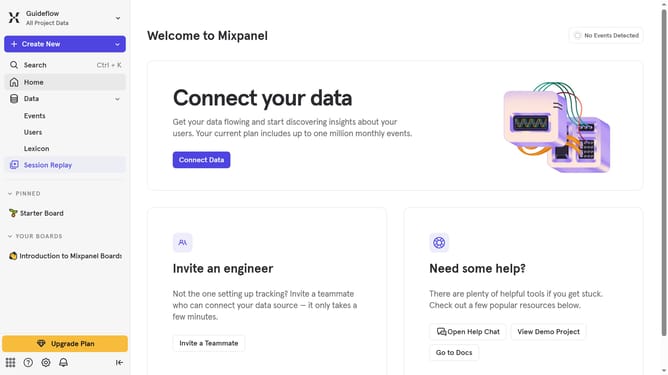
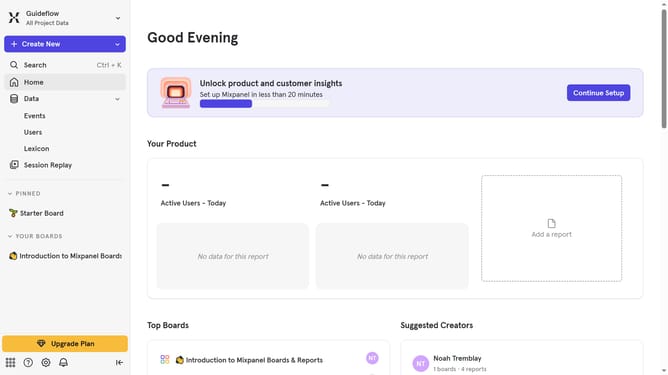
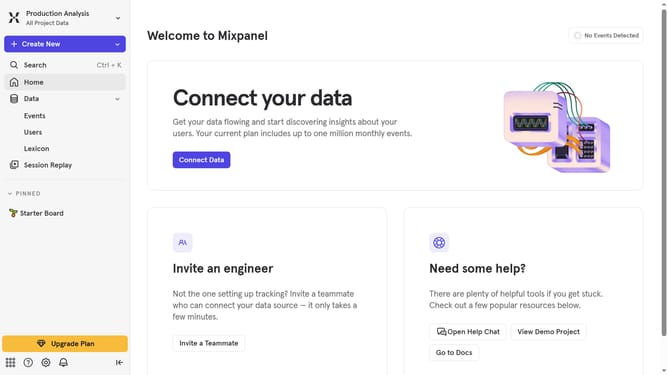
- First click on "Lexicon" in the left sidebar
- Then click on "Custom Profile Properties" in the left sidebar
- Next click on "Edit Columns" button
- Finally click on "Example Value" checkbox
Why should you show example value column in custom profile properties in Mixpanel
Mixpanel is a powerful analytics tool designed to track user interactions with web and mobile applications.
One of the key features is the ability to display an example value column within custom profile properties. This feature allows you to have a clear, immediate view of user behavior, offering a snapshot of data patterns at a glance.
For businesses, this means quicker, more informed decision-making based on real-time user data insights. By clearly understanding usage trends, teams can optimize their strategies efficiently, enhancing overall user experience.
Last update