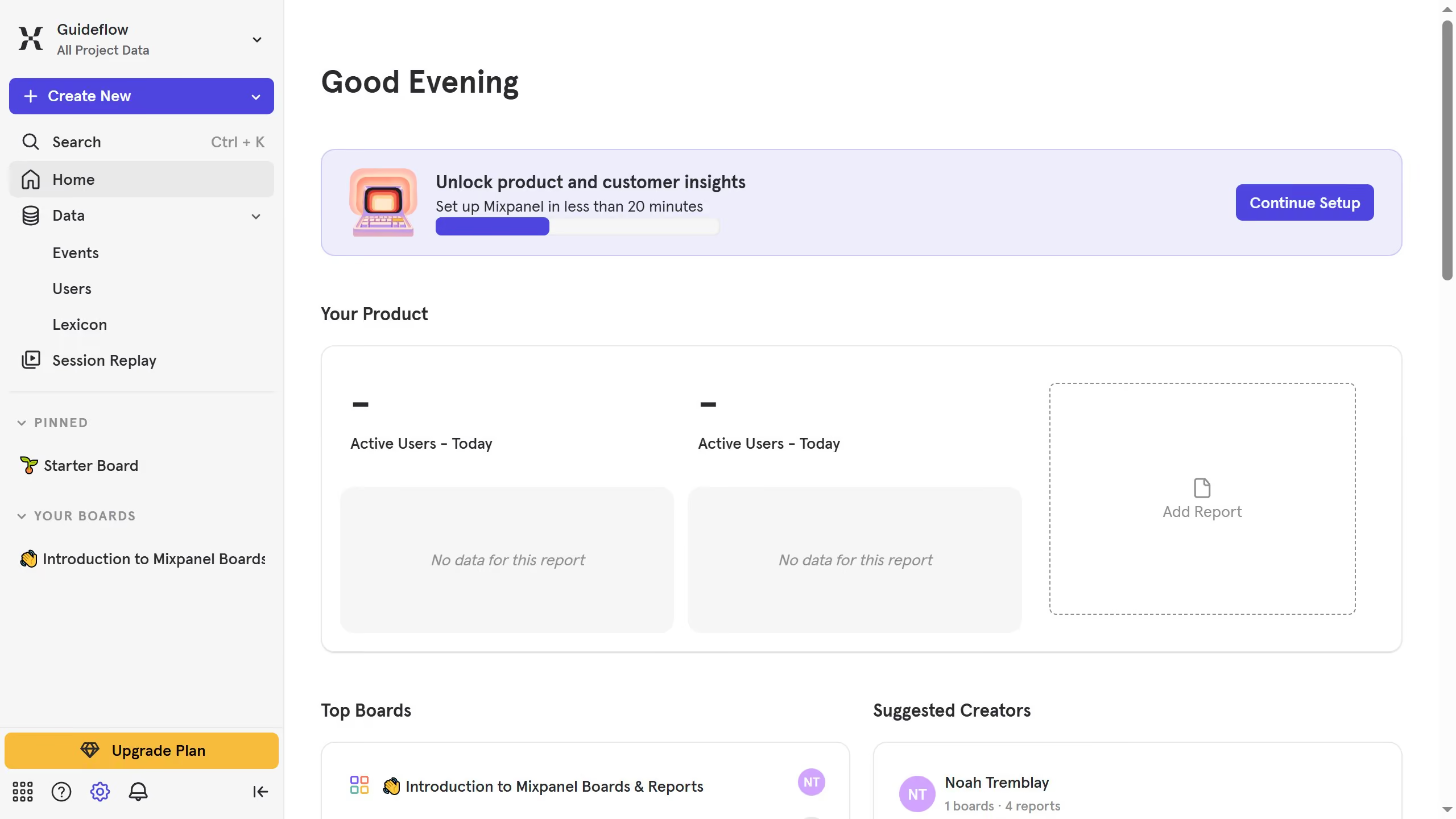
Here is how to setup notification webhook in mixpanel
- First click on the gear icon in the bottom left sidebar
- Then click on "Integrations" in the left sidebar menu
- Then scroll down to view more options
- Then click on the "Notification Webhook" option
- Then click on the "+ Add Webhook" button
- Then click on the "Name your webhook" input field and type type in your desired name for the webhook
- Then click on the "URL" input field and enter the URL for the webhook
- Then click on the "Enter username" and type in your desired username
- Then click on the "Enter password" input field and type in your desired password
- Finally click on the "Submit" button