How to filter audit logs by feature flag created in Mixpanel
Here is how to filter audit logs by feature flag created in mixpanel
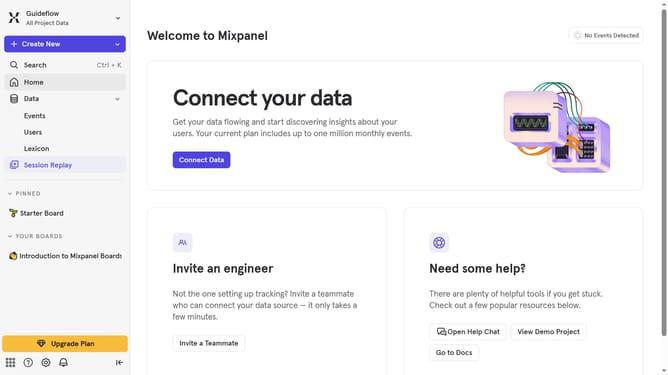
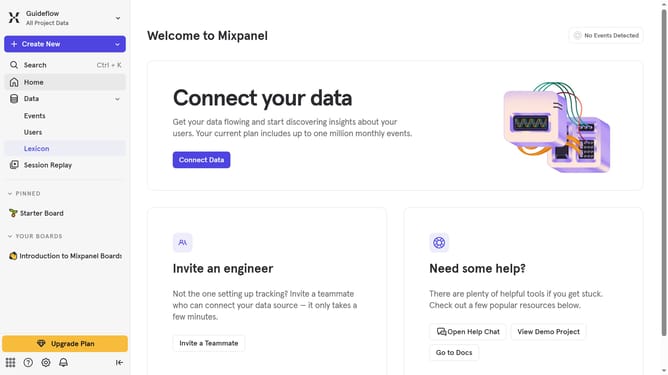
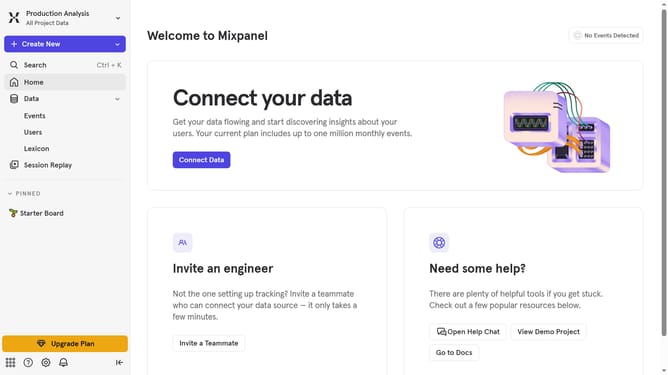
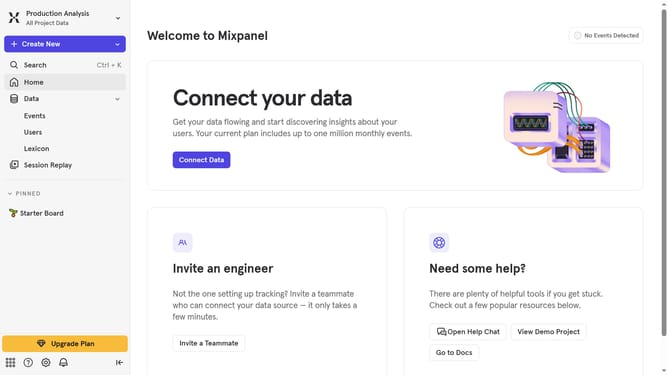
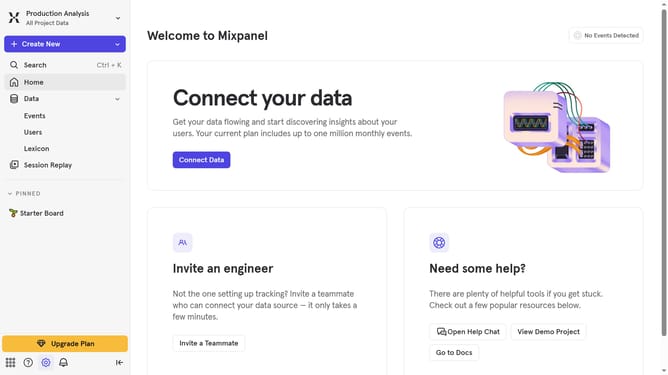
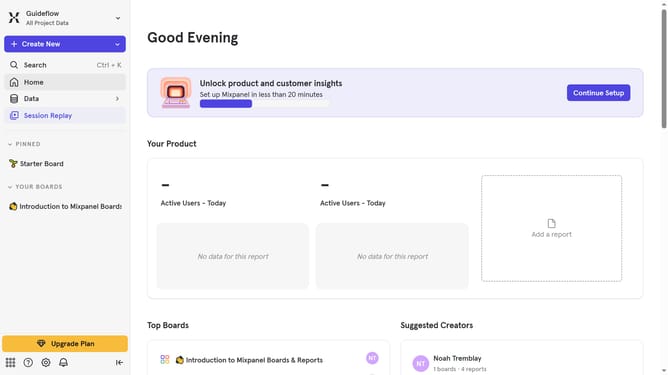
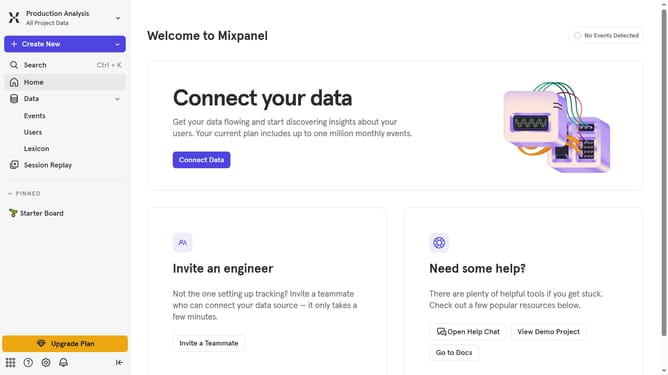
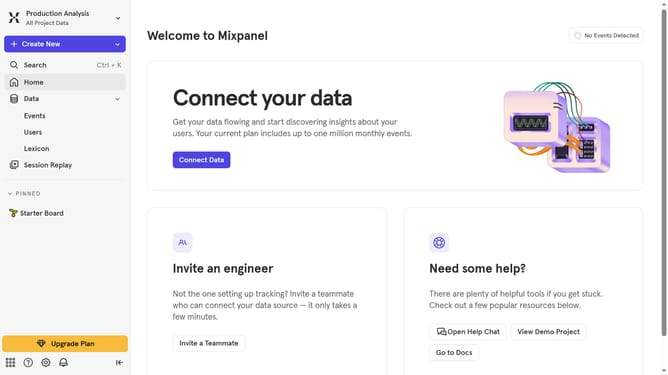
- First click on the "Settings" icon in the bottom left menu
- Then hover your mouse cursor over the "Settings" in the expanded sidebar menu
- Next select "Organization Settings" from the dropdown menu
- Then click on "Audit Log" in the left sidebar menu
- After that click on the "Action" dropdown in the main panel
- Then scroll down to view more options
- Finally select the "Feature Flag Created" checkbox
Why should you filter audit logs by feature flag created in Mixpanel
Mixpanel is the premier product analytics platform designed to enhance decision-making through user insights.
One standout feature is its ability to filter audit logs by feature flags, simplifying the tracking of user permissions and governance-related changes.
This functionality streamlines identifying specific actions tied to particular features, aiding in maintaining robust security and compliance. By employing such filters, teams can swiftly pinpoint unusual activities, ensuring efficient audits and bolstered organizational control.
Last update