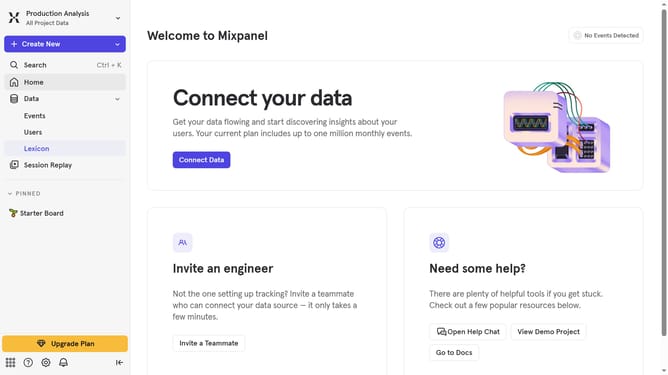
How to filter events by blocked status in Mixpanel
Here is how to filter events by blocked status in mixpanel
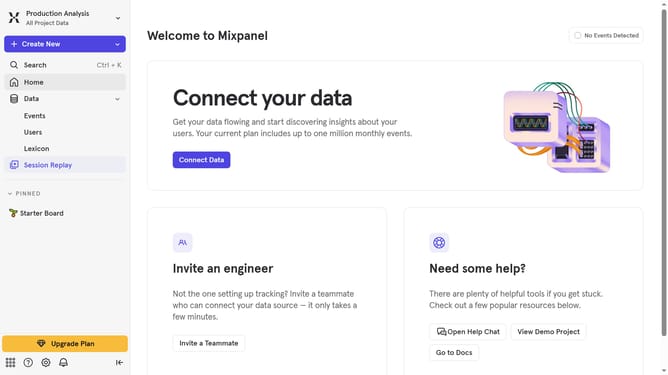
- First click on "Lexicon" in the left sidebar
- Then click on the "Filter" button
- Finally click on the checkbox next to "Blocked" in the filter menu
Why should you filter events by blocked status in Mixpanel
Mixpanel is a powerful analytics platform designed to help businesses understand user behavior to drive smarter decisions.
Filtering events by blocked status in Mixpanel allows you to delve deeper into your user interactions by focusing on specific actions that have been deliberately restricted.
This feature is invaluable for identifying patterns and optimizing your strategy by highlighting areas that require attention or improvement.
Ultimately, it enhances your ability to refine user experience and ensure that your platform performs at its best.
Last update