How to reset the API credentials of a project in Mixpanel
Here is how to reset the api credentials of a project in mixpanel
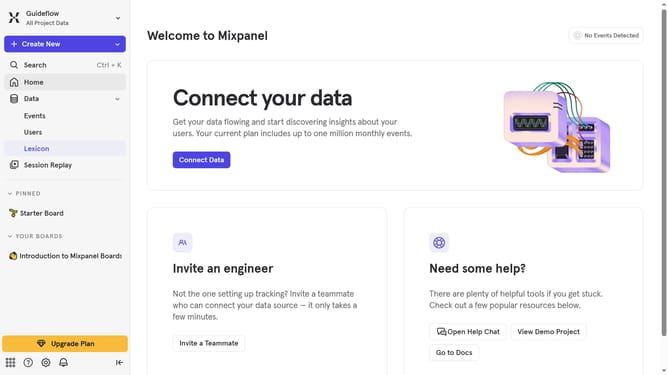
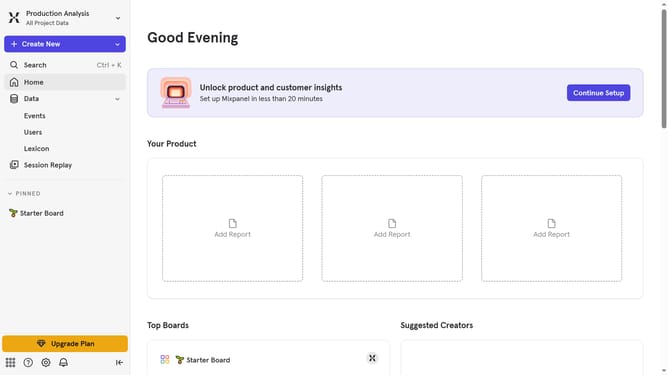
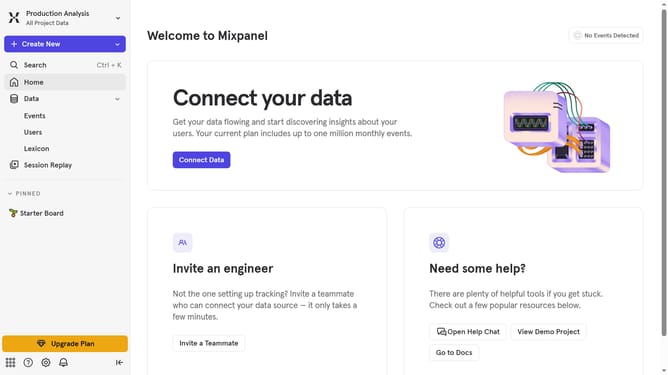
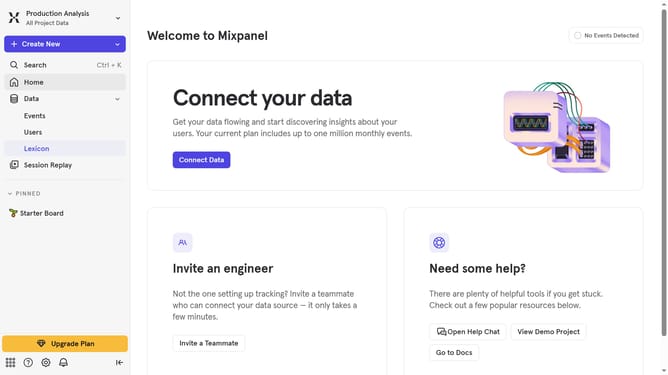
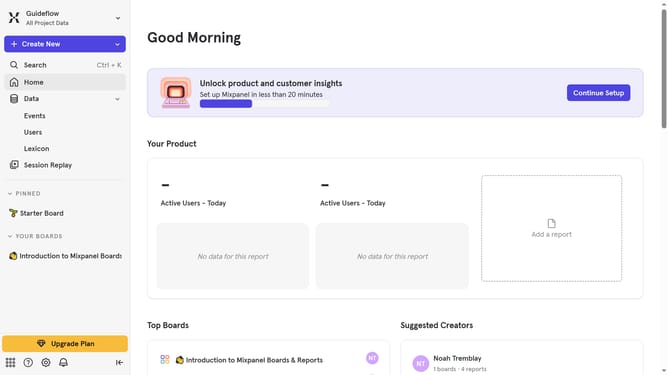
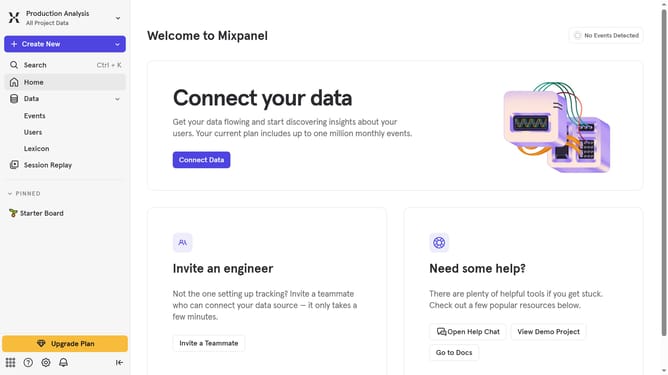
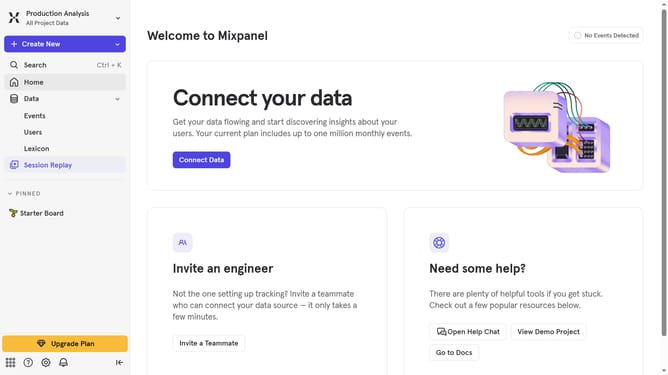
- First click on the settings icon in the bottom left corner of the sidebar
- Then hover your mouse over the "Settings" in the dropdown menu
- Next, click on "Personal Settings" from the expanded settings menu
- Then click on "Projects" in the left-hand navigation pane
- Then scroll down to view more options
- Then click on the "Reset" button at the bottom of the project that you want to reset the API credentials
- Finally, click on the "Reset" button in the confirmation dialog
Why should you reset the API credentials of a project in Mixpanel
Mixpanel empowers businesses with insightful analytics to drive smarter decisions through data.
Resetting the API credentials of a project in Mixpanel is a valuable feature ensuring security and efficiency in data management.
This action prevents unauthorized access, safeguarding sensitive data while allowing seamless integration with other tools.
Overall, this feature offers peace of mind and maintains the integrity of your analytics platform.
Last update