How to show first queried column in events in Mixpanel
Here is how to show first queried column in events in mixpanel
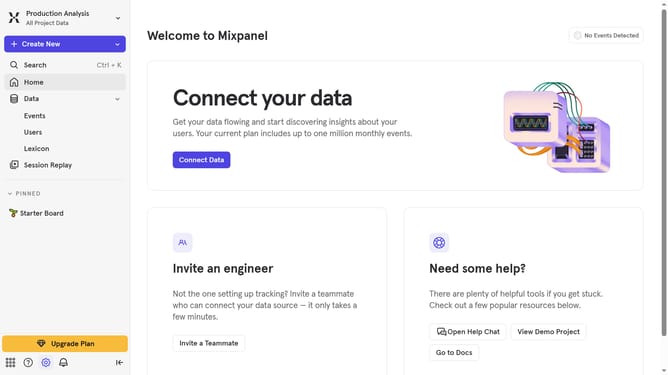
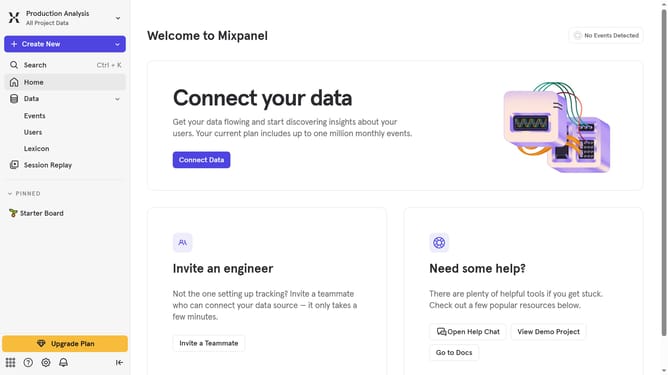
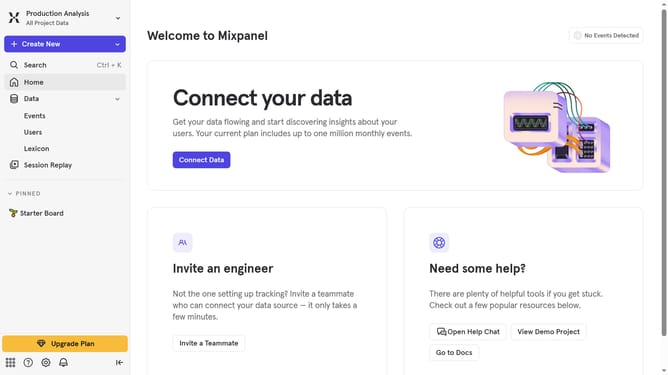
- First click on "Lexicon" in the left sidebar
- Then click on the "Edit Columns" button
- Finally select the "First queried" checkbox
Why should you show first queried column in events in Mixpanel
Mixpanel is a powerful analytics tool designed to help businesses understand user behavior.
In Mixpanel, showcasing the first queried column in events enriches your data analysis experience by organizing vital information upfront.
This feature allows you to quickly identify and focus on the most pertinent metrics, making your exploration of user behavior more efficient and effective.
By streamlining this process, you gain invaluable insights faster, supporting more informed decision-making in your business strategies.
Last update