How to filter users by owner in Mixpanel
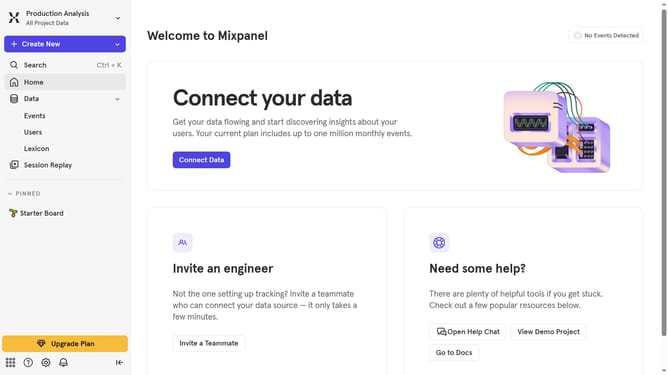
Here is how to filter users by owner in mixpanel
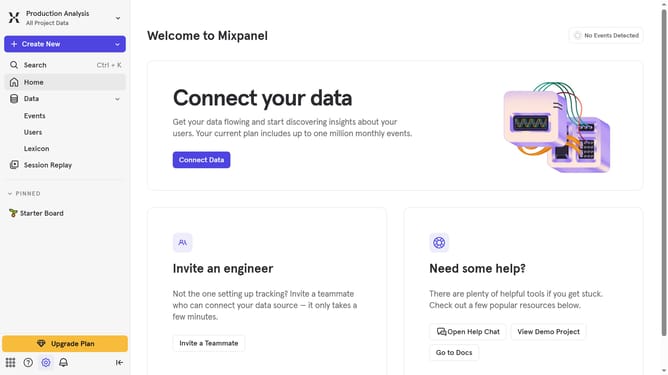
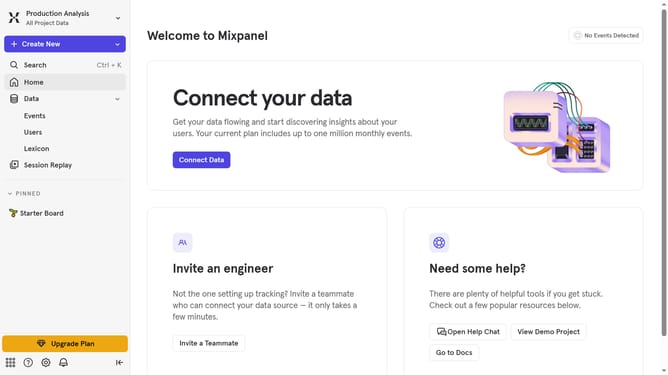
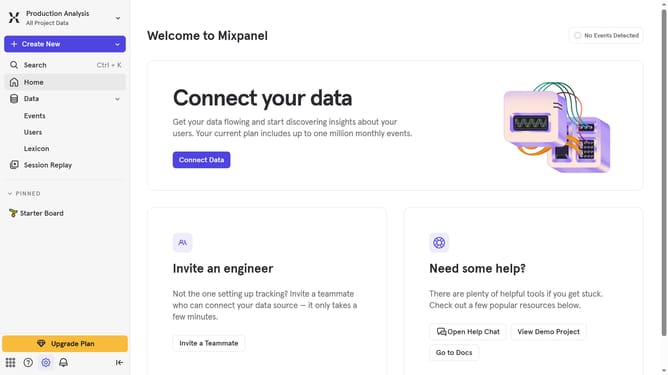
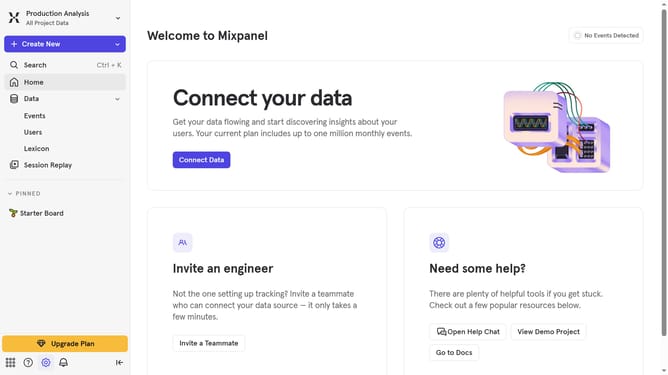
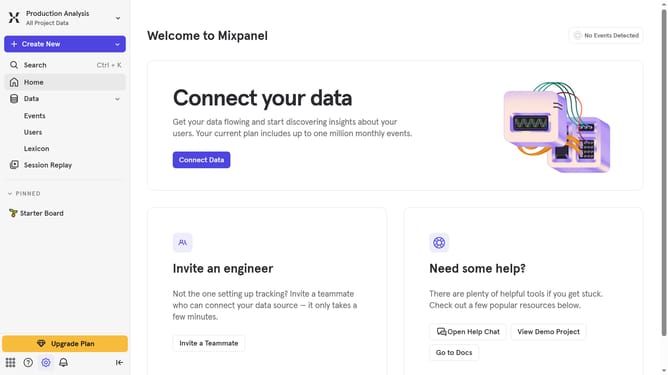
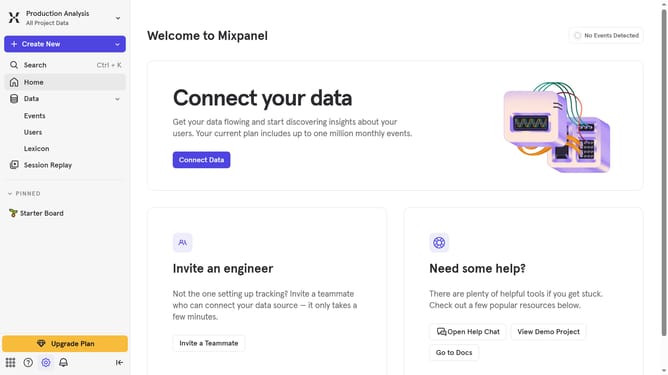
- First click on the gear icon in the bottom left of the page
- Then hover your mouse cursor over the "Settings" menu
- Next, click on "Project Settings" from the expanded settings menu
- In the left sidebar, click on "Project Users"
- Then click on the "All Roles" dropdown menu
- Finally select "Owner" from the dropdown list
Why should you filter users by owner in Mixpanel
Mixpanel is a powerful analytics tool designed to help businesses understand user behavior and make informed decisions.
Filtering users by owner in Mixpanel offers a strategic advantage by allowing teams to segment users based on ownership, providing clearer insights into user management and engagement dynamics.
This feature fosters efficient team collaboration, as it allows individual team members to track the performance of their specific user groups, leading to enhanced accountability and tailored customer engagement strategies.
Ultimately, filtering by owner enhances data-driven decision-making, ensuring efforts are aligned with business goals.
Last update