How to switch to invite-only discoverability in Mixpanel
Here is how to switch to invite-only discoverability in mixpanel
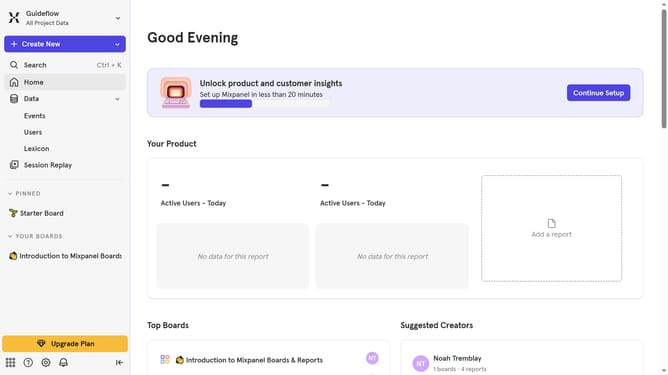
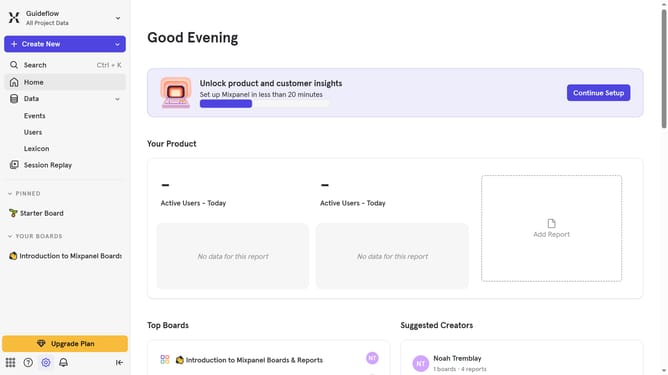
- First click on the settings icon in the bottom left of the page
- Then hover your mosue over the "Settings" option
- Next, click on "Organization Settings"
- Then select "Users & Teams" from the left sidebar
- Click on the "Organization Discoverability" tab
- Then scroll down to view more options
- Finally click on the "Invite-Only" radio button
Why should you switch to invite-only discoverability in Mixpanel
Mixpanel is a powerful analytics platform designed to help businesses understand user interactions and improve their products.
Switching to invite-only discoverability in Mixpanel enhances privacy and control over who can access your data.
This feature allows organizations to manage collaborations more efficiently by ensuring that only selected stakeholders can join, facilitating focused discussions and strategic decision-making.
This can lead to improved productivity, as teams can work in a more secure and tailored environment.
Last update