How to filter users by all users grant in Mixpanel
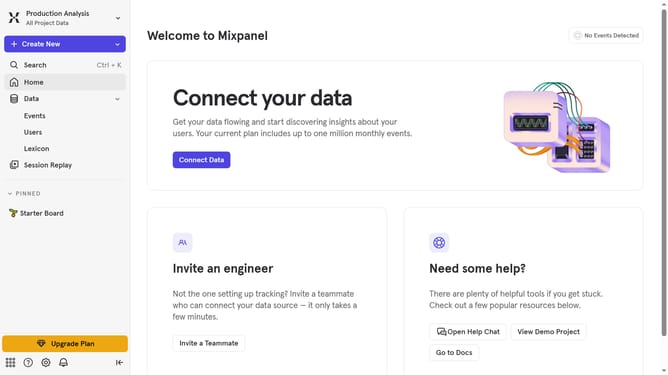
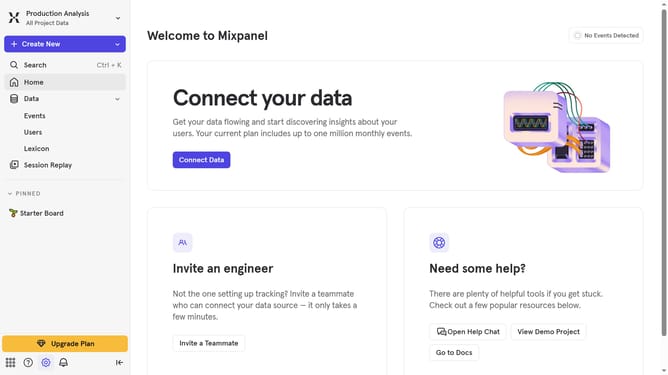
Here is how to filter users by all users grant in mixpanel
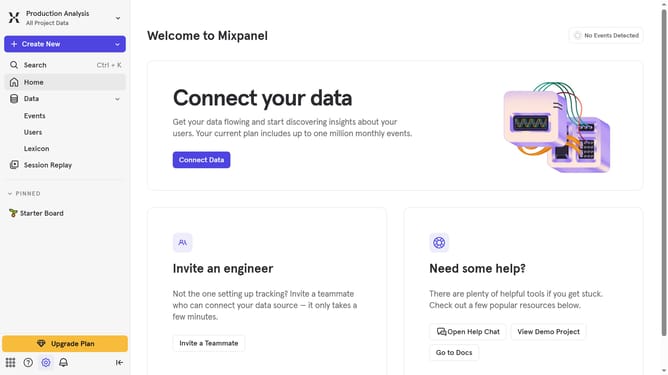
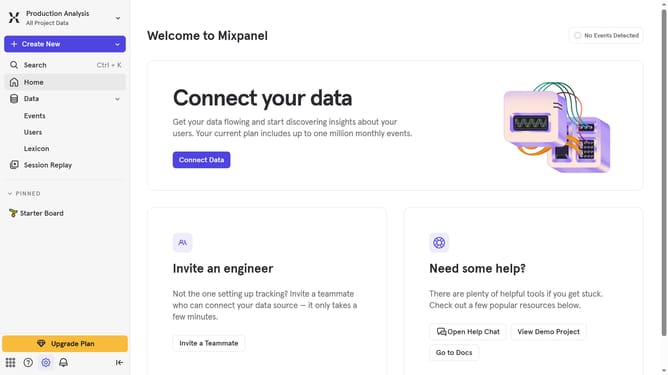
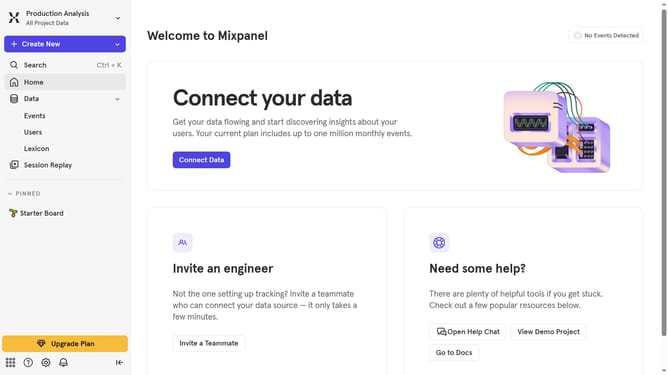
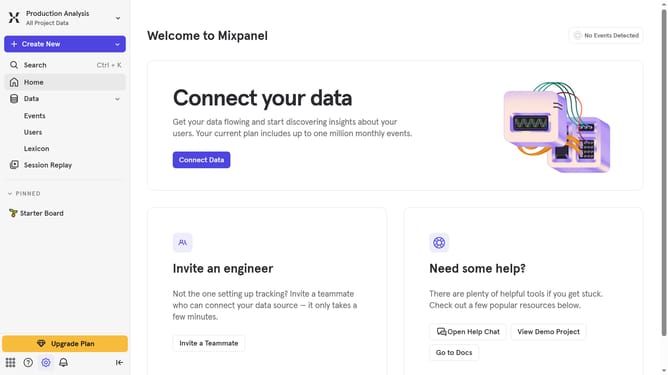
- First click on the gear icon in the bottom left menu
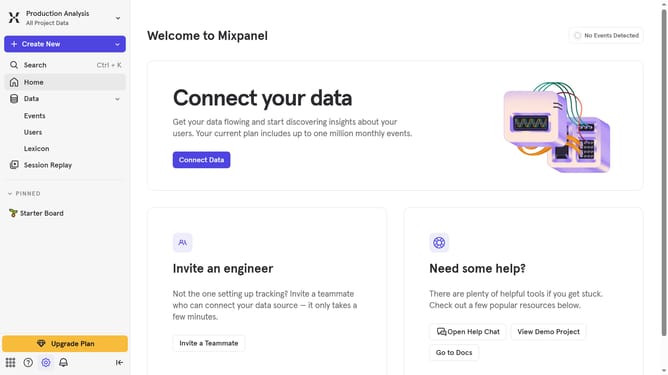
- Then hover your mouse cursor over the "Settings" menu
- Next, select "Project Settings" from the dropdown menu
- In the left sidebar, click on "Project Users"
- Then click on the filter dropdown
- Finally, click on "All Users Grant" from the dropdown options
Why should you filter users by all users grant in Mixpanel
Mixpanel is an intuitive analytics platform designed to track user interactions and events within web applications.
With Mixpanel's "filter users by all users grant" feature, teams can efficiently segment their audience, ensuring they focus on the users who matter most. This feature empowers businesses to tailor their strategies, improving engagement and boosting customer satisfaction.
By using this capability, teams can easily identify specific user groups based on their access levels, leading to more precise analysis and optimized resource allocation. It's a strategic advantage that enhances decision-making processes significantly.
Last update