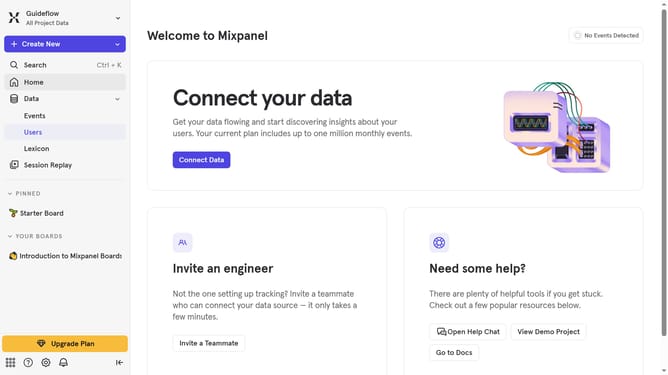
How to create an admin organization role service account in Mixpanel
Here is how to create an admin organization role service account in mixpanel
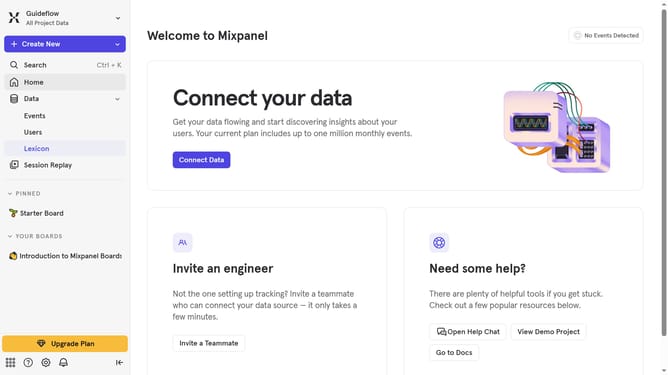
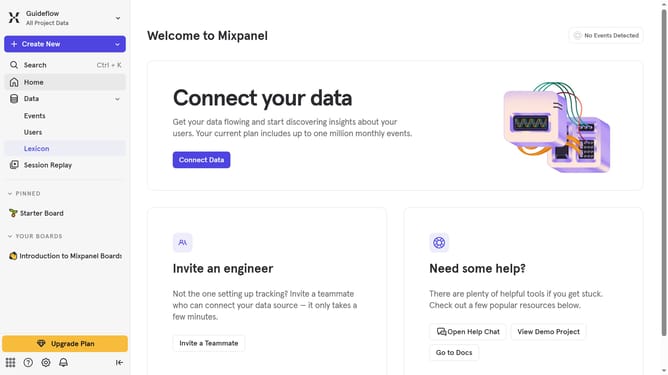
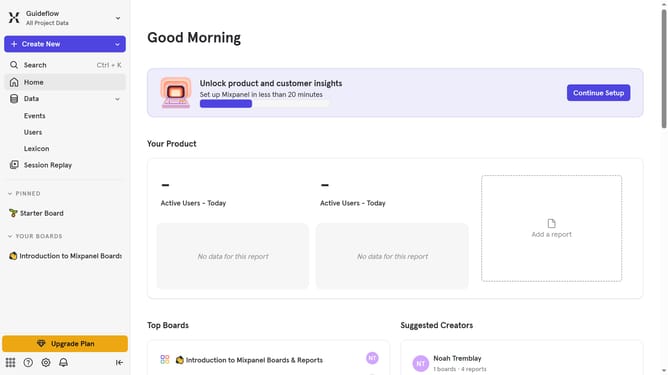
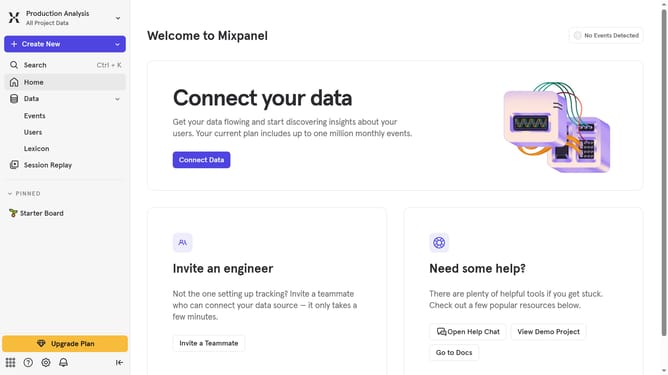
- First click on the settings icon in the bottom left corner
- Then hover your mouse cursor over the "Settings"
- Next click on "Organization Settings" from the dropdown menu
- Then click on "Service Accounts" in the left sidebar
- Next click on "+ Add Service Account" button
- Then click the "Name" text input field and type in the name of the person you will add as an admin organization role
- Next click on the "Organization Role" dropdown
- Then select "Admin" from the role options
- Then click on the "Projects" dropdown
- Next select your preferred project from the dropdown list
- Then click on the "Create" button
- Finally click on the "Done" button
Why should you create an admin organization role service account in Mixpanel
Mixpanel is a powerful tool designed to help businesses understand user behavior and improve decision-making through advanced analytics.
Creating an admin organization role service account in Mixpanel enhances security and streamlines operations. This feature allows for centralized management of permissions, facilitating efficient control over who can access specific data and features within your organization.
Utilizing this role service account optimizes team collaboration, ensuring that only authorized personnel handle sensitive analytics tasks. This strategic approach not only reinforces data security but also boosts productivity by providing the right access to the right people.
Last update