How to reconnect OneSignal in Mixpanel
Here is how to reconnect onesignal in mixpanel
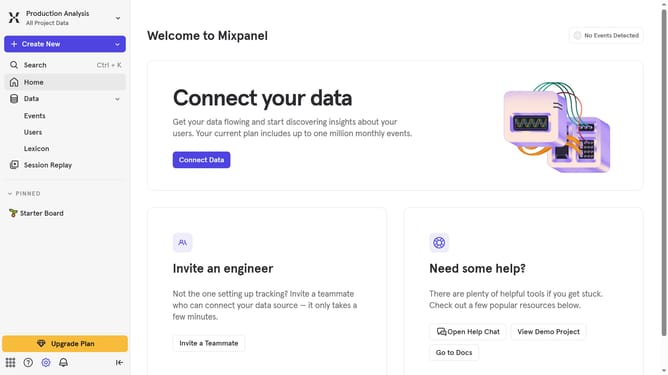
- First click on the "Settings" icon in the bottom sidebar
- Then select "Integrations" from the sidebar menu
- Next, scroll down to view more option
- After that, click on the "OneSignal" integration.
- Then click on the "Disconnect" button for the integration
- Finally, click on the "Disconnect" button in the confirmation dialog
Why should you reconnect OneSignal in Mixpanel
Mixpanel is a powerful analytics tool designed to track user interactions and drive data-driven decisions.
Reconnecting OneSignal in Mixpanel allows smooth synchronization between user engagement and communication insights.
By linking these two platforms, businesses can better understand customer behaviors and tailor their messaging strategies accordingly.
This seamless integration enhances the ability to deliver targeted notifications, ultimately improving user retention and satisfaction.
Last update