How to connect Custom Webhook in Mixpanel
Here is how to connect custom webhook in mixpanel
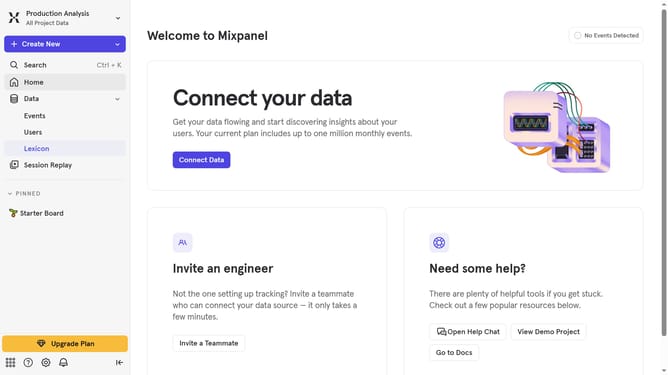
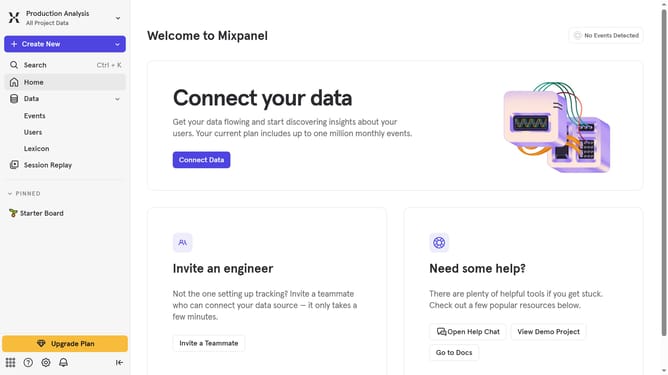
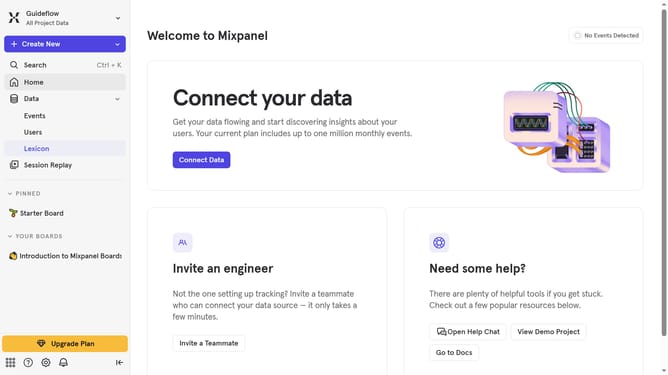
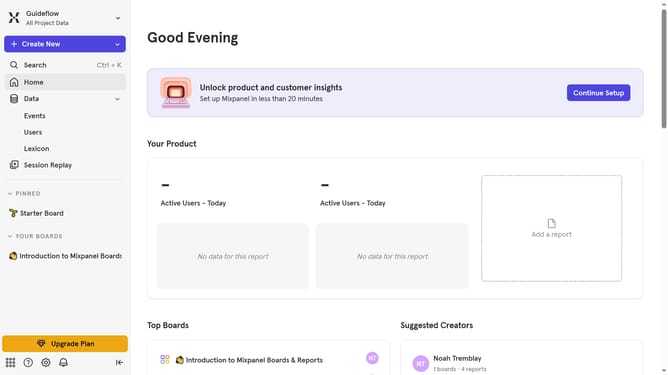
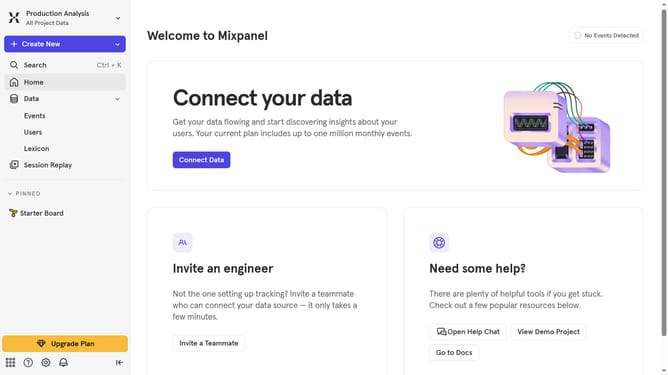
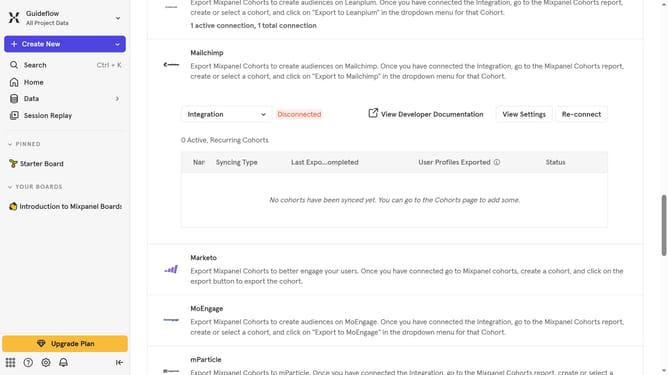
- First click on the settings icon in the bottom left sidebar
- Then click on "Integrations" in the side menu
- Next, scroll down to view more options
- Then on the "Custom Webhook" integration
- Then click on the "Connect" button for "Custom Webhook"
- Then click on the "CONNECTOR NAME" input field and type in your desired connector name
- Next, click on the "URL" text input field and type in the URL from your Custom Webhook
- Finally click on the "Continue" button
Why should you connect Custom Webhook in Mixpanel
Mixpanel is a powerful analytics platform designed to help businesses understand user behavior and make data-driven decisions.
Connecting a Custom Webhook in Mixpanel allows you to automate and streamline your data flow by sending updates to other applications in real time. This feature provides immense flexibility, enabling you to integrate with various tools and leverage your data more effectively.
By utilizing Custom Webhooks, you can enhance communication between Mixpanel and your existing systems, ensuring that crucial insights are seamlessly relayed and acted upon. This not only improves workflow efficiency but also empowers teams with timely information, fostering more agile and informed decision-making.
Last update