How to reset behaviors filter in Mixpanel
Here is how to reset behaviors filter in mixpanel
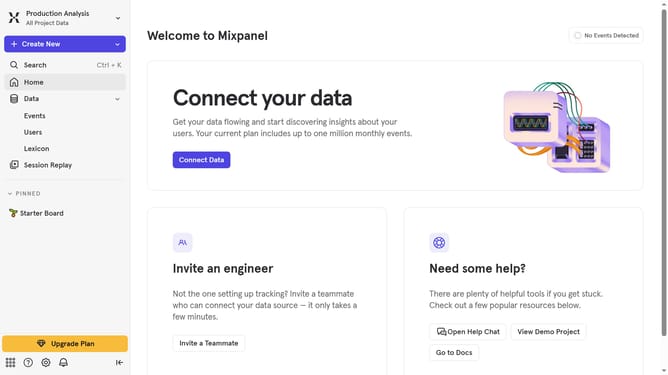
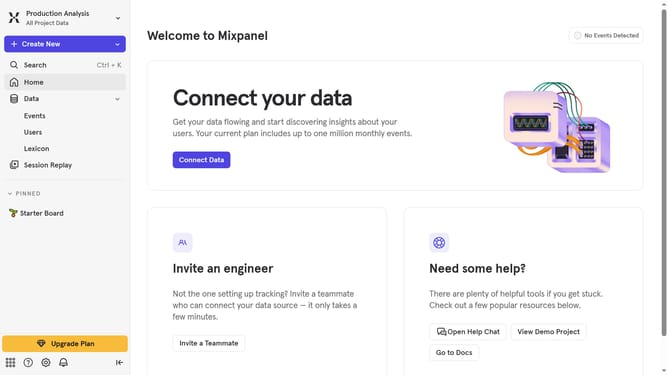
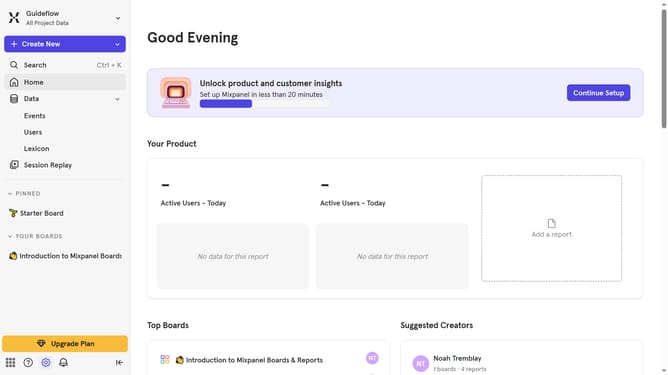
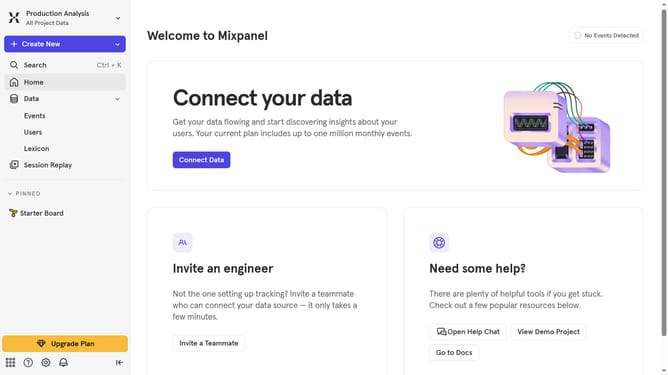
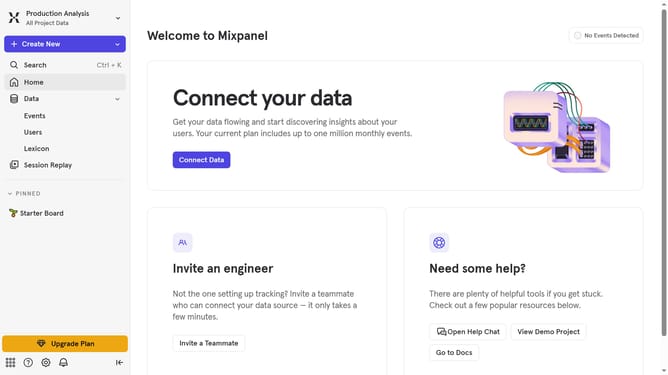
- First click on "Lexicon" in the left sidebar
- Then click on "Behaviors" in the left sidebar
- Finally click on the "Reset Filter" button
Why should you reset behaviors filter in Mixpanel
Mixpanel is a powerful analytics tool designed to help businesses understand user behavior and enhance decision-making processes.
Resetting behavior filters in Mixpanel is key to refreshing your data insights, ensuring you're not confined by outdated or extraneous criteria.
This flexibility allows you to tailor your analysis to current objectives, leading to more accurate tracking of user trends and actionable insights.
Ultimately, resetting these filters promotes agility in how you leverage data, enabling better strategic planning and optimization within your organization.
Last update