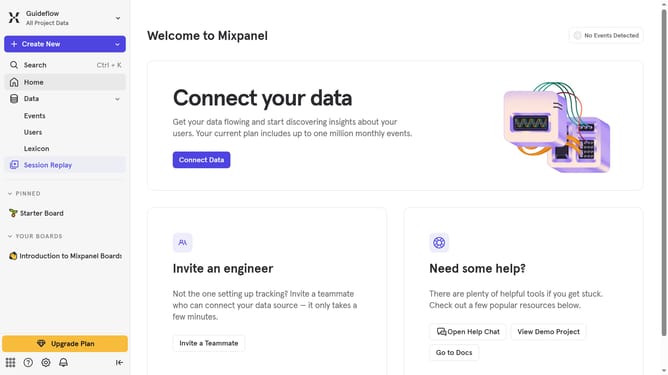
How to reconnect Tamplytics in Mixpanel
Here is how to reconnect tamplytics in mixpanel
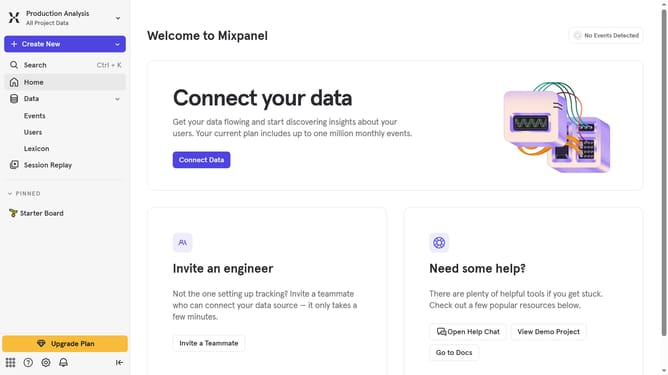
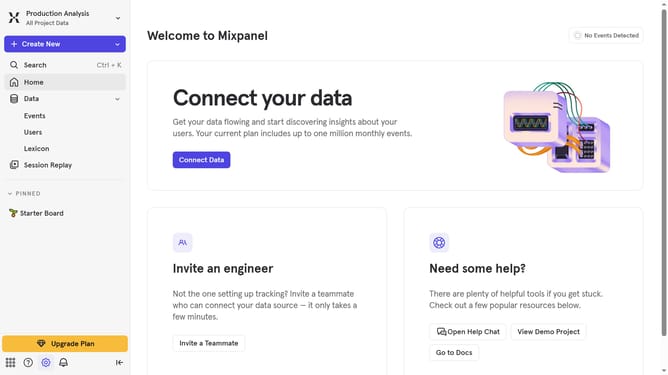
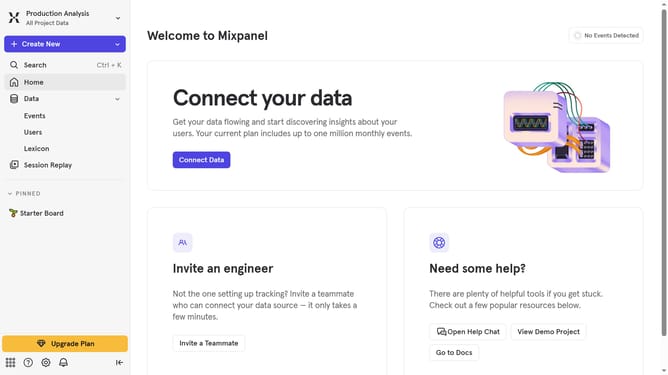
- First click on the gear icon in the bottom left corner of the screen
- Then click on "Integrations" in the left sidebar menu
- Next scroll down to view more options
- Then click on "Taplytics" integration
- Next click on the "Re-connect" button
- Then click on the "API KEY" text input field and enter your API KEY
- Finally click on the "Continue" button
Why should you reconnect Tamplytics in Mixpanel
Mixpanel is a leading analytics platform designed to help businesses understand user interactions and improve their products.
Reconnecting Tamplytics with Mixpanel is a beneficial feature that ensures your analytics data remains accurate and up-to-date.
This reconnection allows you to maintain seamless data flow, offering an uninterrupted view of user behavior and enhancing your ability to make data-driven decisions.
Ultimately, it supports strategic planning by providing valuable insights, promoting efficient resource use and improved customer experiences.
Last update