How to add project to a team in Mixpanel
Here is how to add project to a team in mixpanel
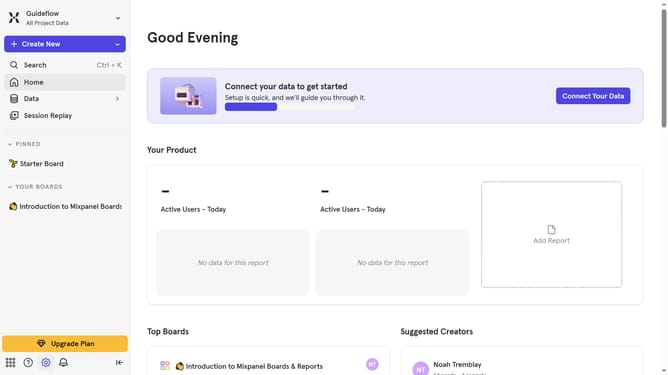
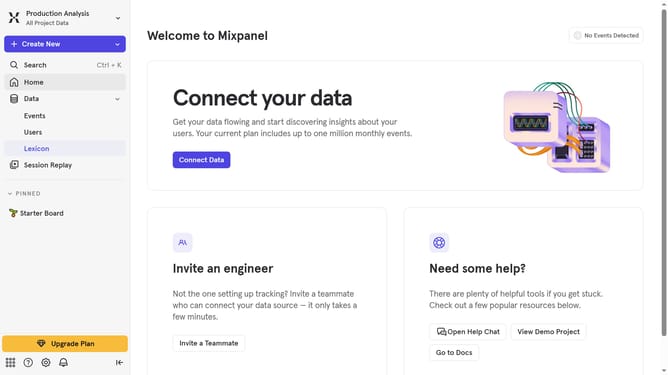
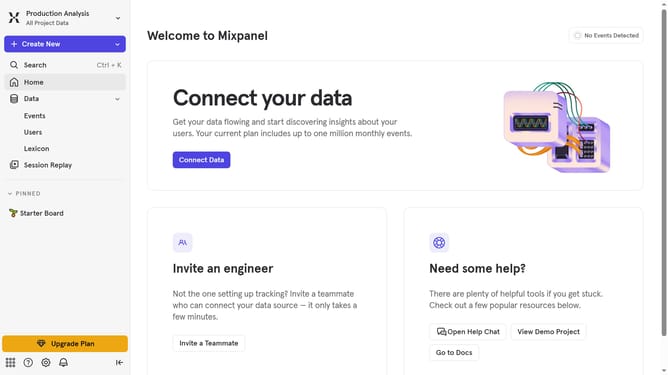
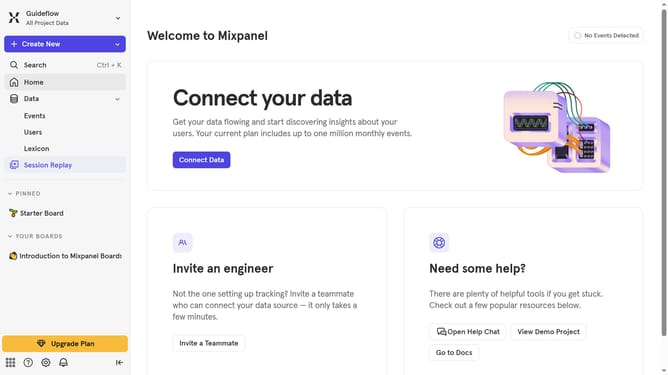
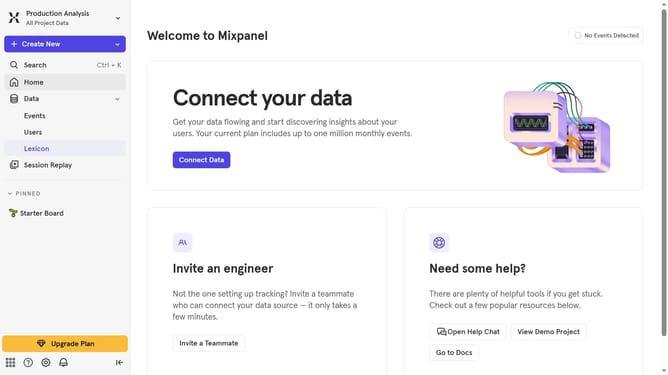
- First click on the gear icon in the left sidebar
- Then hover your mouse over the "Settings" option
- Next, click on "Organization Settings" from the submenu
- After that, click on "Users & Teams"
- Then click on the "Teams" tab in the Users & Teams page
- Click on the team name where you want to add a project
- Next, click on the "Add projects" option
- Then click on the "Select a project" dropdown menu
- Select your preferred project that you want to add to the team from the "Project" dropdown
- Click on the "Role" dropdown menu
- Select your preferred role for the team from the dropdown menu
- Finally click on the "Add" button to completely add the project
Why should you add project to a team in Mixpanel
Mixpanel is a powerful analytics platform designed to help businesses drive smarter decisions with data insights.
Adding a project to a team in Mixpanel enhances collaborative efforts, allowing team members to work seamlessly on the same datasets. This feature ensures that everyone has access to necessary information, fostering a unified approach to analysis.
Utilizing this function promotes knowledge sharing, boosts productivity, and ensures that insights can quickly be acted upon, making it an essential component of effective project management within the platform.
Last update