How to disconnect Flagship in Mixpanel
Here is how to disconnect flagship in mixpanel
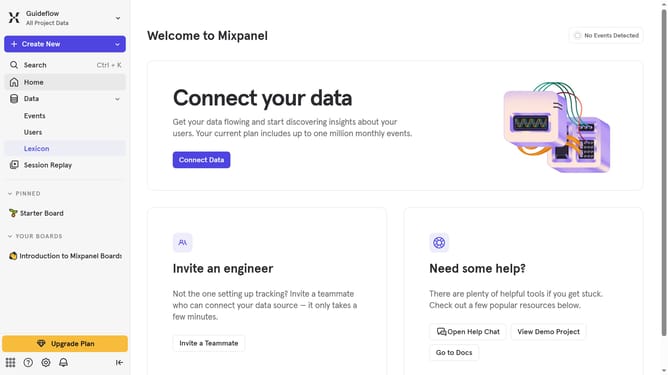
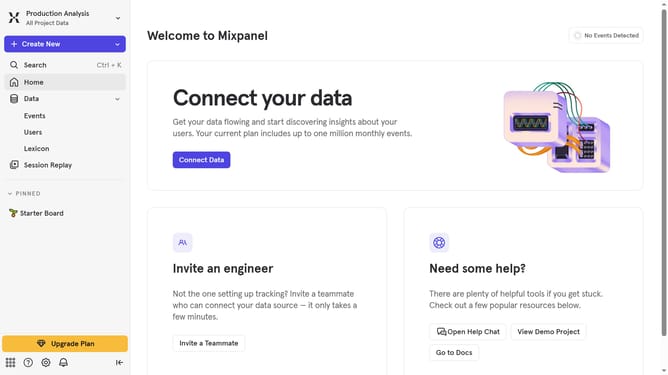
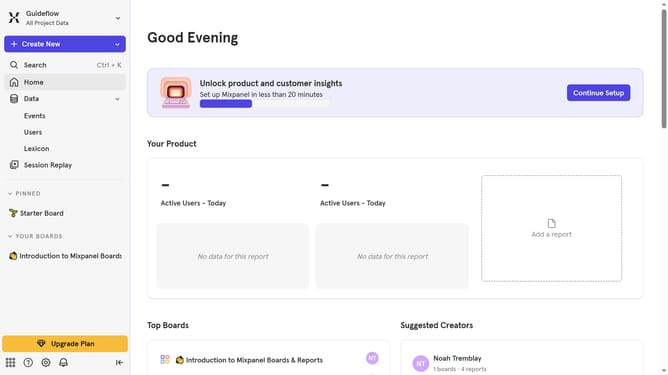
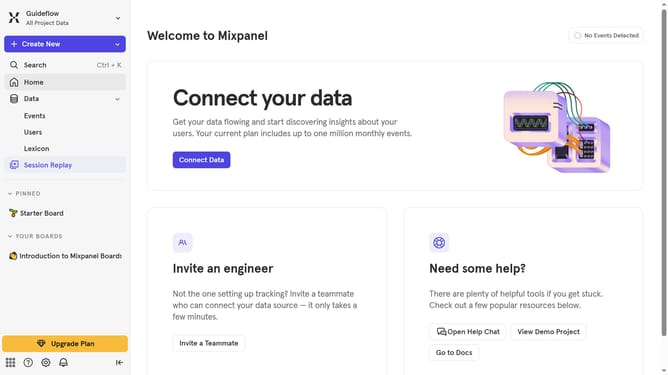
- First click on the "Settings" icon in the bottom left corner
- Then click on "Integrations" in the left sidebar
- Next scroll down to view more options
- Then click on the "Flagship" integration option
- Next click on the "Disconnect" button
- Finally click on the "Disconnect" button to confirm
Why should you disconnect Flagship in Mixpanel
Mixpanel is a powerful analytics platform designed to help businesses optimize user engagement and retention strategies.
Disconnecting Flagship in Mixpanel can streamline your data insights, providing a clearer view of essential metrics without additional noise. This feature offers the flexibility to fine-tune your analytics environment, enabling a more tailored and efficient approach to data management.
By selectively disconnecting integrations like Flagship, businesses can focus on the metrics that matter most, enhancing decision-making processes and driving impactful growth strategies.
Last update