How to enable public board in Mixpanel
Here is how to enable public board in mixpanel
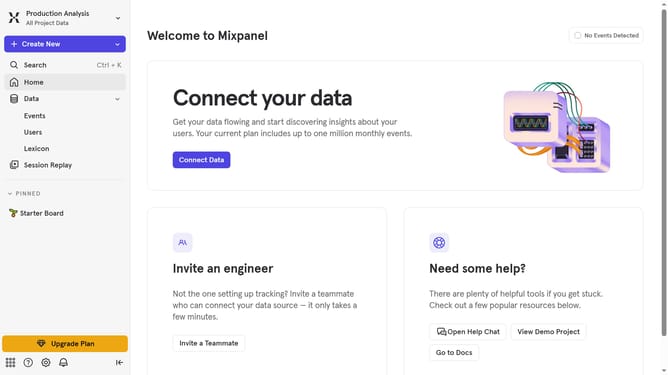
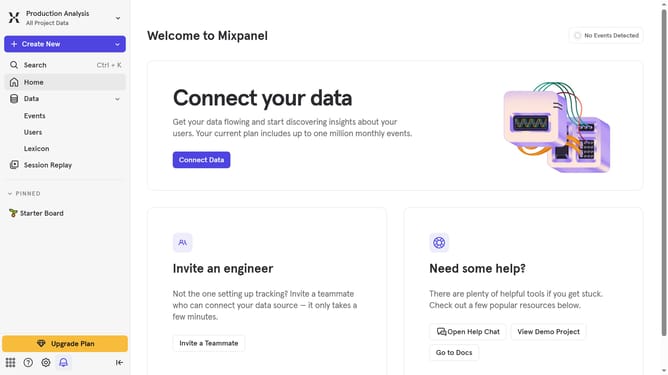
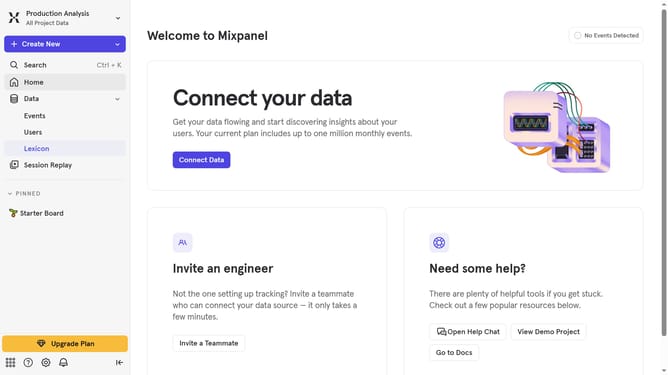
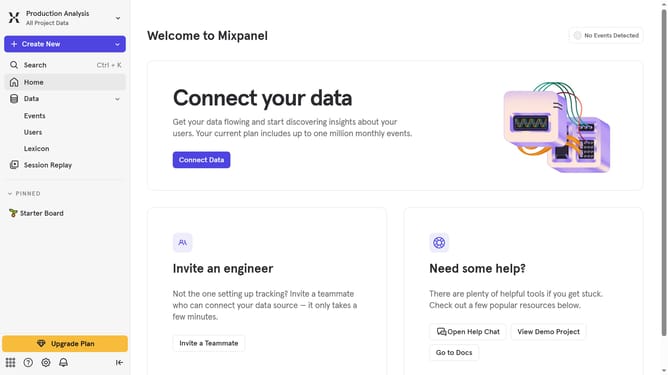
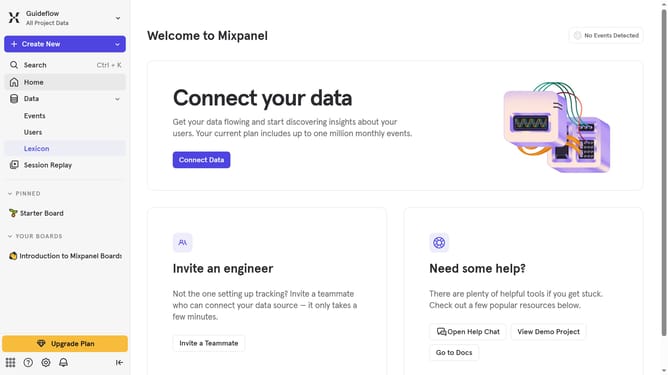
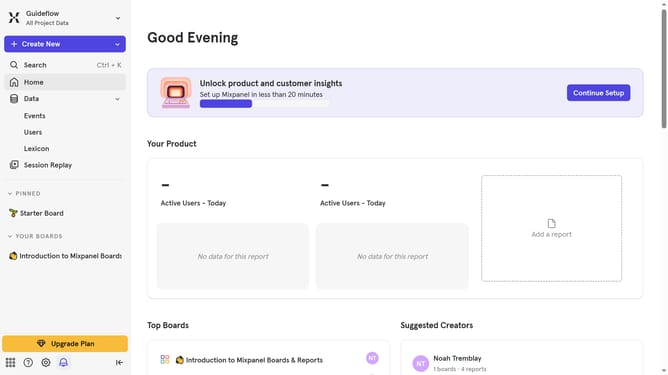
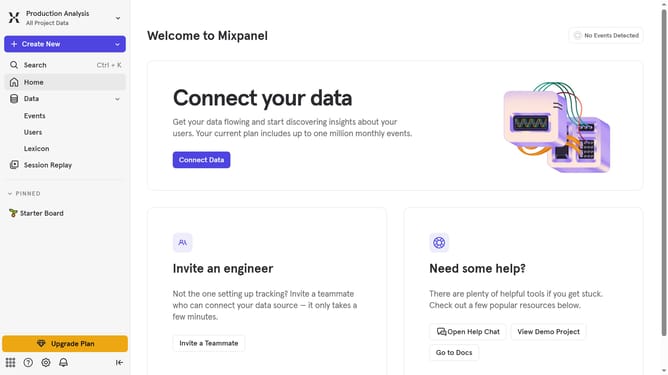
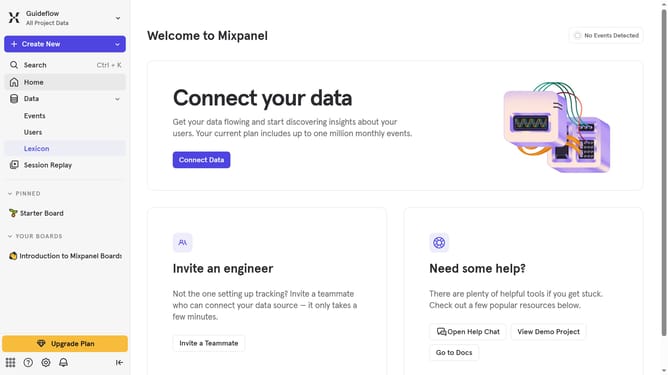
- First, click on the "Settings" icon in the bottom left menu
- Then click on "Settings" in the side panel
- Next, click on "Project Settings" in the dropdown menu
- After that, select "Public Boards" from the left sidebar menu
- Then click on the "Enable for Project" button
- Finally, click on the "Enable" button to confirm
Why should you enable public board in Mixpanel
Mixpanel is a powerful analytics tool designed to help businesses track user interactions and measure product usage effectively.
Enabling a public board in Mixpanel allows you to share valuable insights with stakeholders, without needing them to log into the platform. This feature fosters transparent communication by providing easy access to real-time data.
Public boards enhance collaboration, promote informed decision-making, and ensure everyone stays aligned with the latest analytical findings. This streamlined sharing capability makes it easier to drive growth and engagement.
Last update