How to filter audit logs by profile deleted in Mixpanel
Here is how to filter audit logs by profile deleted in mixpanel
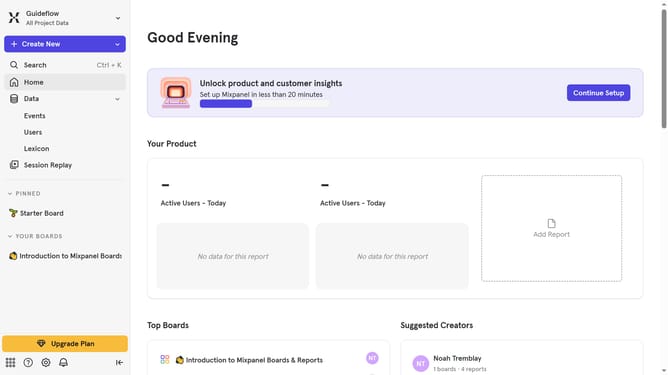
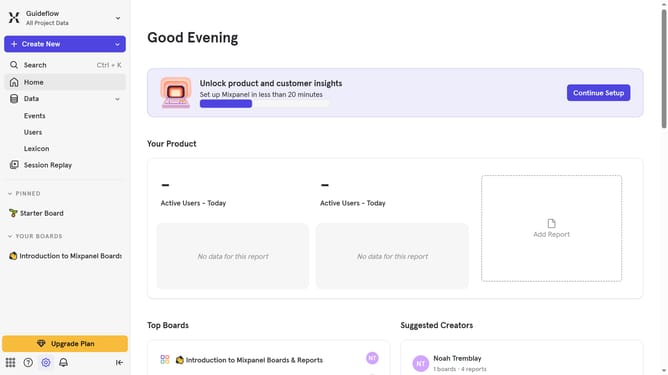
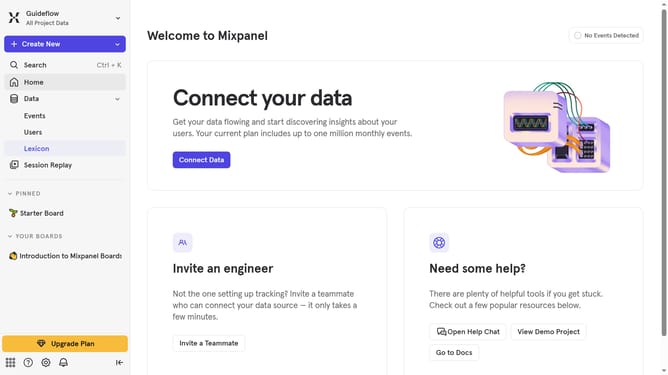
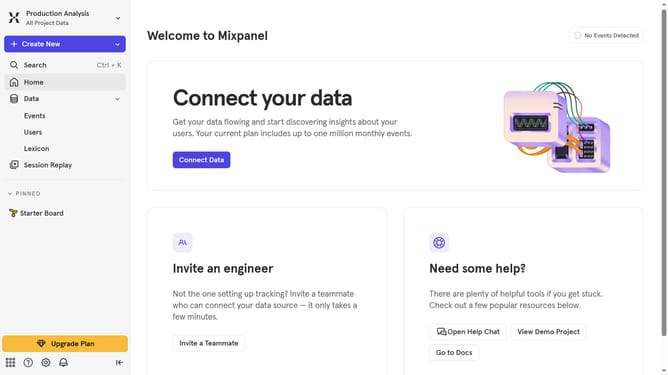
- First click on the gear icon in the bottom left corner
- Then hover your mouse cursor over the "Settings" menu
- Next, click on "Organization Settings" from the dropdown
- After that, click on "Audit Log" in the left-hand navigation bar
- Then click on the "Action" dropdown menu
- Next, scroll down in the dropdown menu
- Finally, click on the checkbox next to "Profile Deleted"
Why should you filter audit logs by profile deleted in Mixpanel
Mixpanel is a powerful analytics platform designed to help businesses understand their users and improve their products.
One of Mixpanel's valuable features is the ability to filter audit logs by profile deleted.
This feature enhances data management and security by allowing users to pinpoint when specific profiles have been removed, ensuring proper tracking and accountability within the platform.
Filtering audit logs in this manner enables businesses to maintain transparent and precise records, ultimately helping in decision-making processes and compliance efforts.
Last update