How to disconnect Custom Webhook in Mixpanel
Here is how to disconnect custom webhook in mixpanel
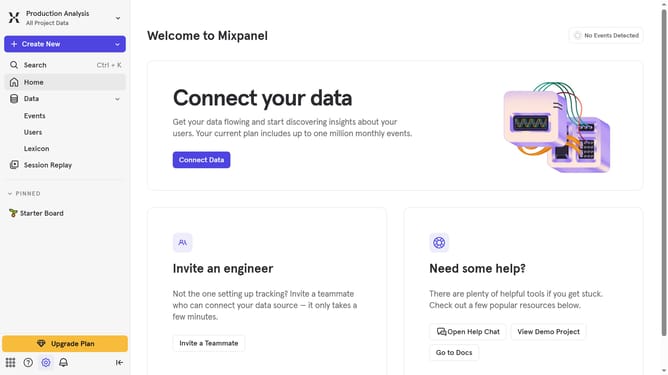
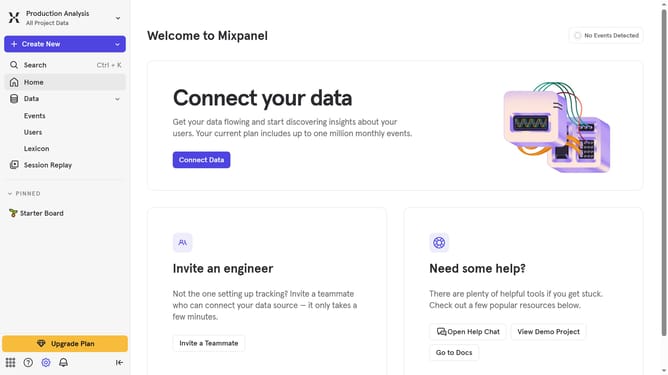
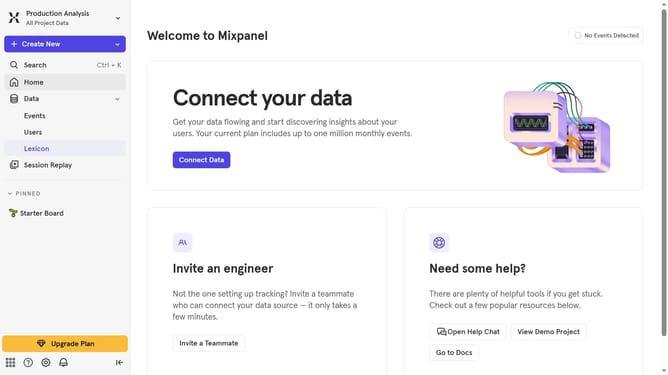
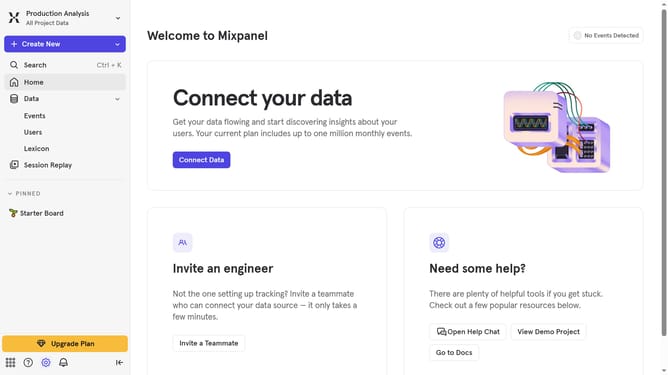
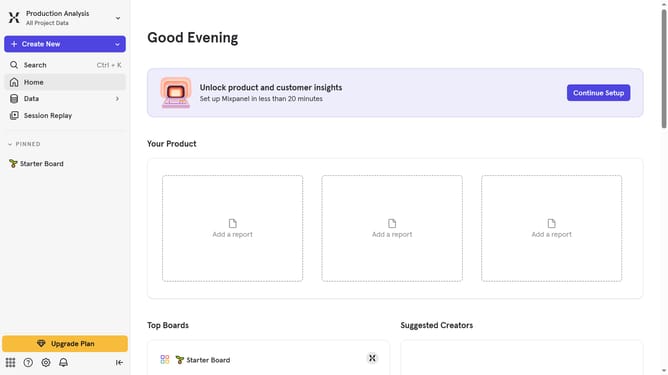
- First click on the settings icon in the bottom left sidebar
- Then click on "Integrations" in the sidebar
- Then scroll down to view more options
- Then click on the "Custom Webhook" integration
- Then click on the "Disconnect" button next to "View Settings"
- Finally click on the red "Disconnect" button in the confirmation modal
Why should you disconnect Custom Webhook in Mixpanel
Mixpanel is a leading analytics platform that helps businesses understand user behavior to drive data-informed decisions.
Disconnecting a custom webhook in Mixpanel is a crucial feature that ensures your integrations remain relevant and secure. This feature allows you to effortlessly manage and update your data flow, removing outdated or unnecessary connections to streamline operations.
By maintaining a clutter-free and efficient system, this capability enhances data security and optimizes resource allocation, ultimately contributing to more accurate analytics and insights. Enjoy a seamless experience with Mixpanel while keeping your data integrations up to date.
Last update