How to disconnect Insider in Mixpanel
Here is how to disconnect insider in mixpanel
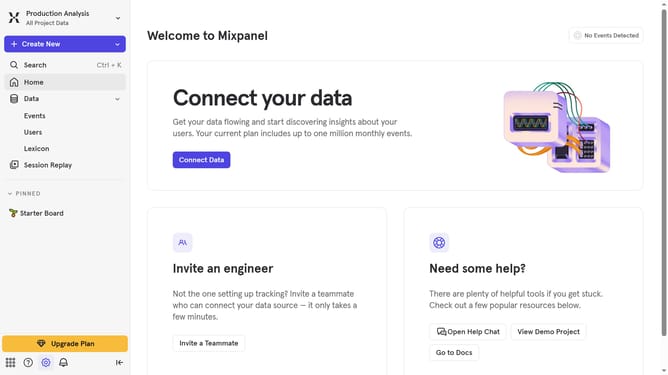
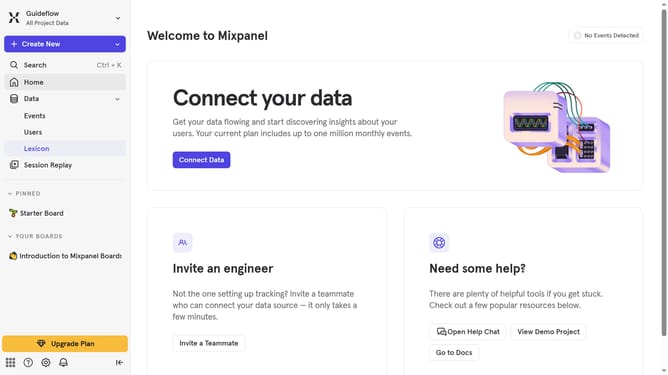
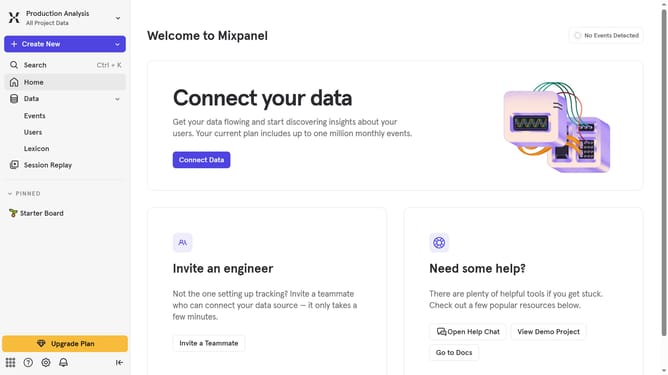
- First click on the gear icon in the bottom left corner of the screen
- Then select "Integrations" from the left sidebar menu
- Next, scroll down to view more options
- After that, click on the "Insider" integration option
- Then click on the "Disconnect" button to confirm
- Finally click on the "Disconnect" button in the confirmation dialog
Why should you disconnect Insider in Mixpanel
Mixpanel is a powerful analytics tool that helps businesses understand user behavior on their applications.
Disconnecting Insider within Mixpanel streamlines your data operations, ensuring your analytics remain focused and accurate. By managing connected partners like Insider, you maintain control over the data that matters the most.
This feature enhances data privacy and reduces unwanted data noise, allowing you to craft more tailored and effective marketing strategies. With clear insights, your decision-making becomes more impactful and informed.
Last update