How to filter custom profile properties by created by anyone in Mixpanel
Here is how to filter custom profile properties by created by anyone in mixpanel
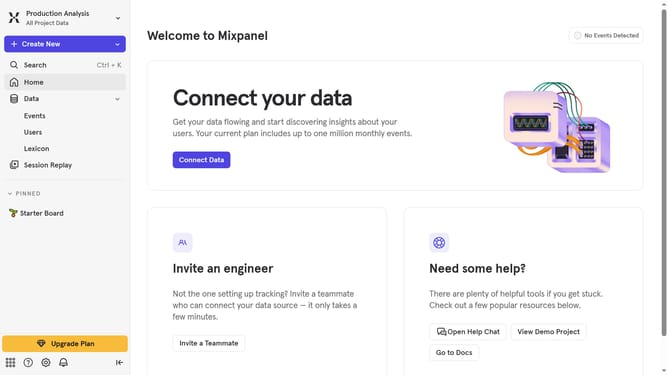
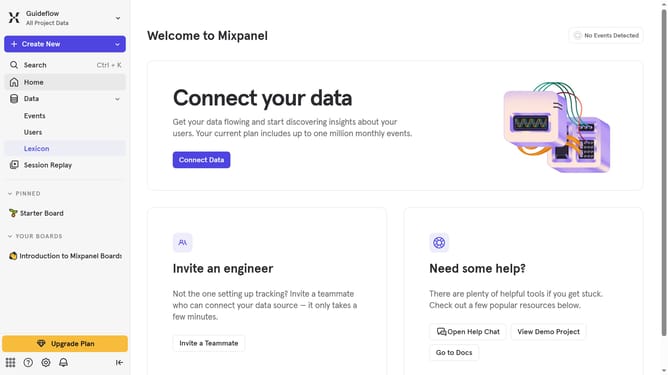
- First click on "Lexicon" item in the left sidebar
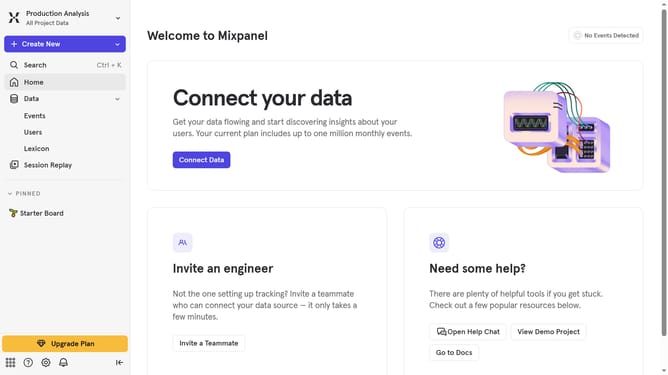
- Then click on "Custom Profile Properties" link in the left sidebar
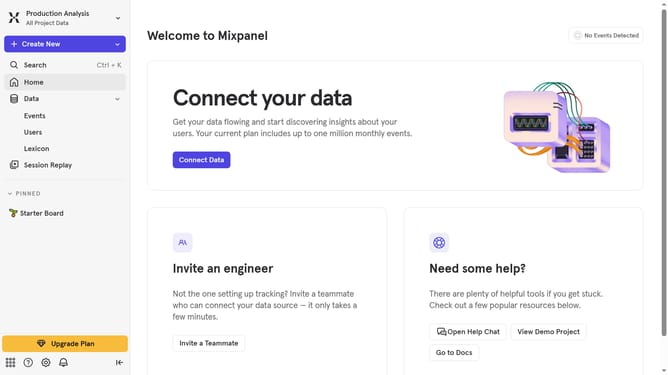
- Next click on "Filter" button in the main content area
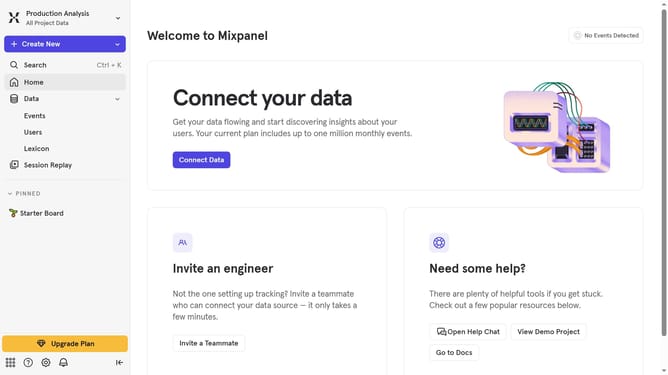
- Finally select "Created By Anyone" checkbox
Why should you filter custom profile properties by created by anyone in Mixpanel
Mixpanel is a powerful analytics tool designed to track user interactions and offer valuable insights into customer behavior.
One of its standout features is the ability to filter custom profile properties created by anyone, enhancing the granularity of your data analysis. This capability allows teams to access user-specific data seamlessly, making it simpler to tailor strategies and optimize user experience.
Utilizing this feature fosters collaboration and ensures that insights are not siloed, thus driving team efficiency and informed decision-making.
Last update